How is AI changing graphic design?
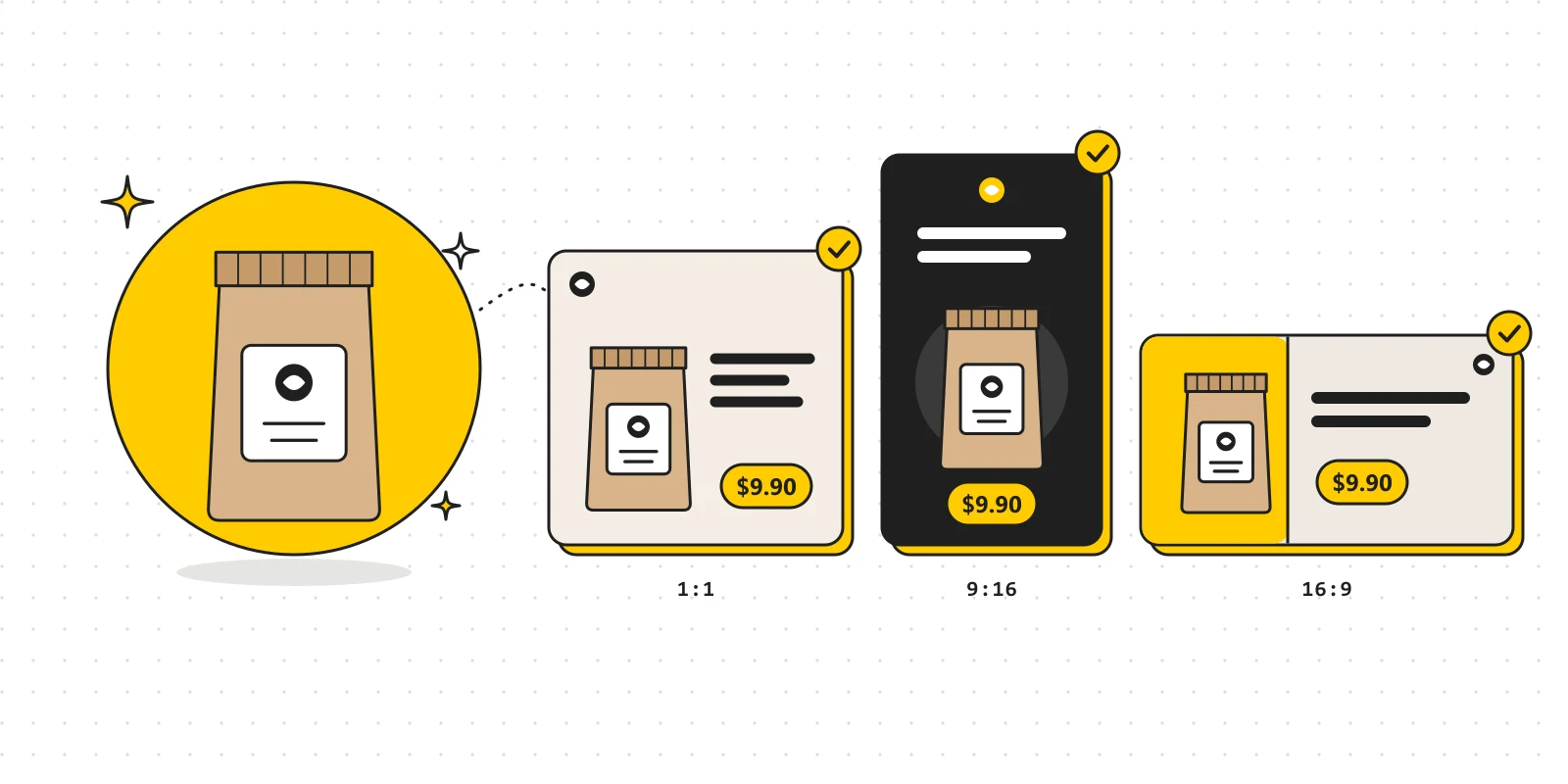
AI is making image creation and editing far more accessible. For designers, the bigger change is in how ideas are developed, how work is organized and how output quality is kept under control.
A shop needs a set of images for a new product: a square image for a post, a vertical one for a story and a wide banner for its website. The message is the same, but each format needs a different layout.
AI can help create a setting, cut the product out of its background or explore several visual directions. But for the set to be usable, a long list of details still has to be checked: is the product's shape right, is the price easy to read, is the logo distorted, and do all the versions share the same identity?
This example shows that AI is changing graphic design on several levels. It shortens some tasks and widens room for experimentation, while setting new demands on how work is judged and finished.
1. Ideas can be tested earlier
Early in a project, designers usually gather references, build a mood board and sketch options.
AI adds another way to try ideas: turning a description into images the whole team can look at and discuss.
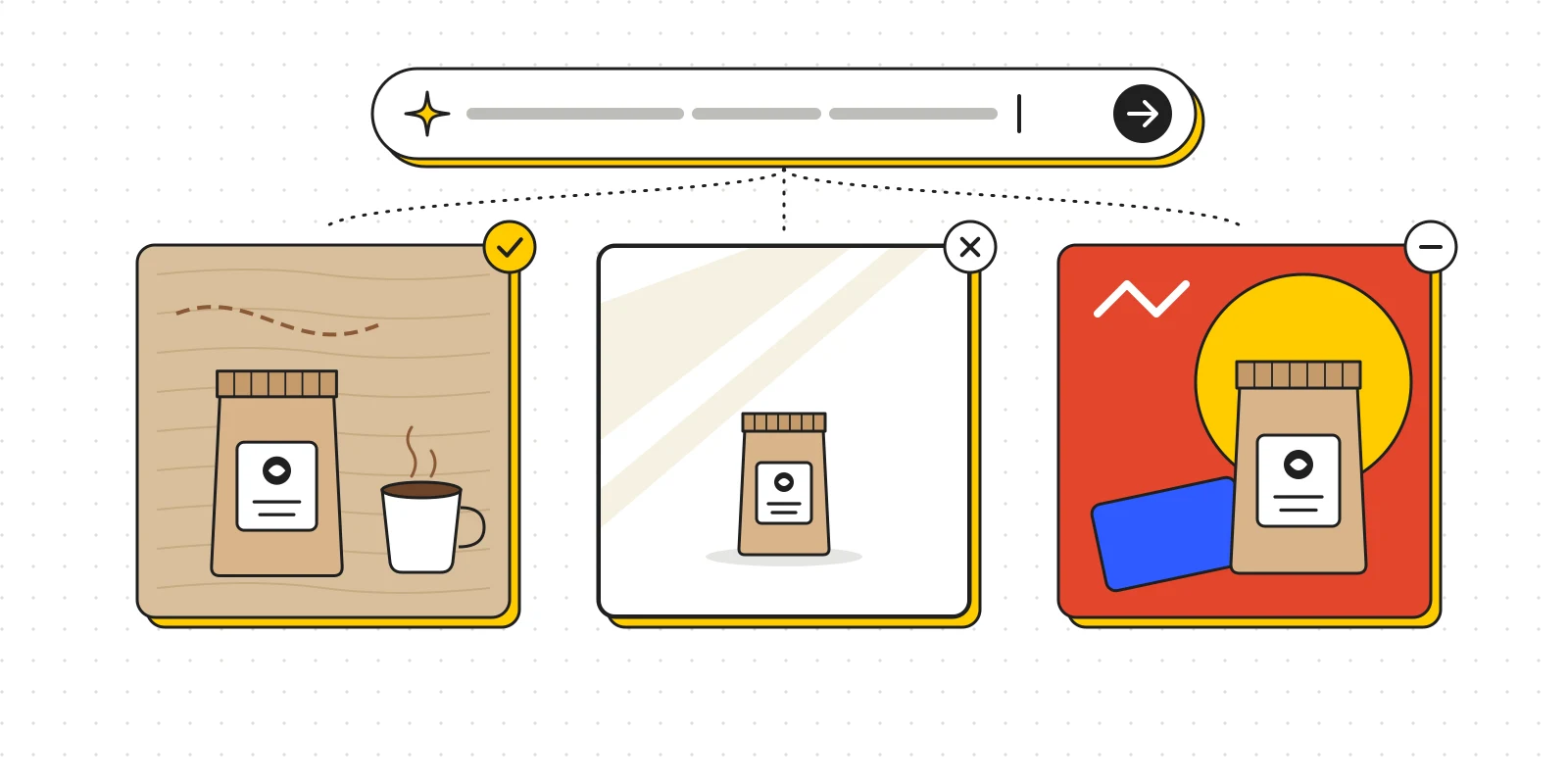
For a coffee brand campaign, you might explore three directions: warm and crafted, minimal with natural light, or young with contrasting colors. Test images help clarify preferences and reveal early which direction does not fit.
Still, AI-generated images do not replace understanding the customer and the market. If you do not yet know what the brand wants to say, generating more options can simply make the choice more confusing.
At this stage, AI is only as useful as the questions behind it: who is the design for, what must it communicate and which constraints must it respect?
2. Automation needs quality control
Removing backgrounds, cleaning up stray details and extending the frame are tasks AI can help with. Features such as Generative Fill and Generative Expand in Photoshop are concrete examples.[1]
Yet not every automated task needs AI. Renaming files, batch exporting or applying a fixed size can usually be handled with templates, actions or scripts. When the requirements are clear and the result must be exact, these tools remain very useful.
AI is a better fit for work that requires guessing content, such as filling in a missing part of the background. That is also where errors can creep in: implausible shadows, repeated patterns or altered product details.
For sales images, keep the parts that must show the product accurately untouched and check the AI-edited areas carefully. A nicer photo that gets the color, material or packaging information wrong can mislead customers.
Efficiency should be measured over the whole time from start to a usable file, including the time spent fixing mistakes.
3. A beautiful image and a finished design are two different things
A generated image can impress at first sight. But design work usually continues with very specific requests: change the price, rename the product, translate the copy, move the logo or make more versions for the next campaign.
If the text, the product and the background all sit in one flat image, those edits can become hard. Regenerating the whole image also risks changing details that were already approved.
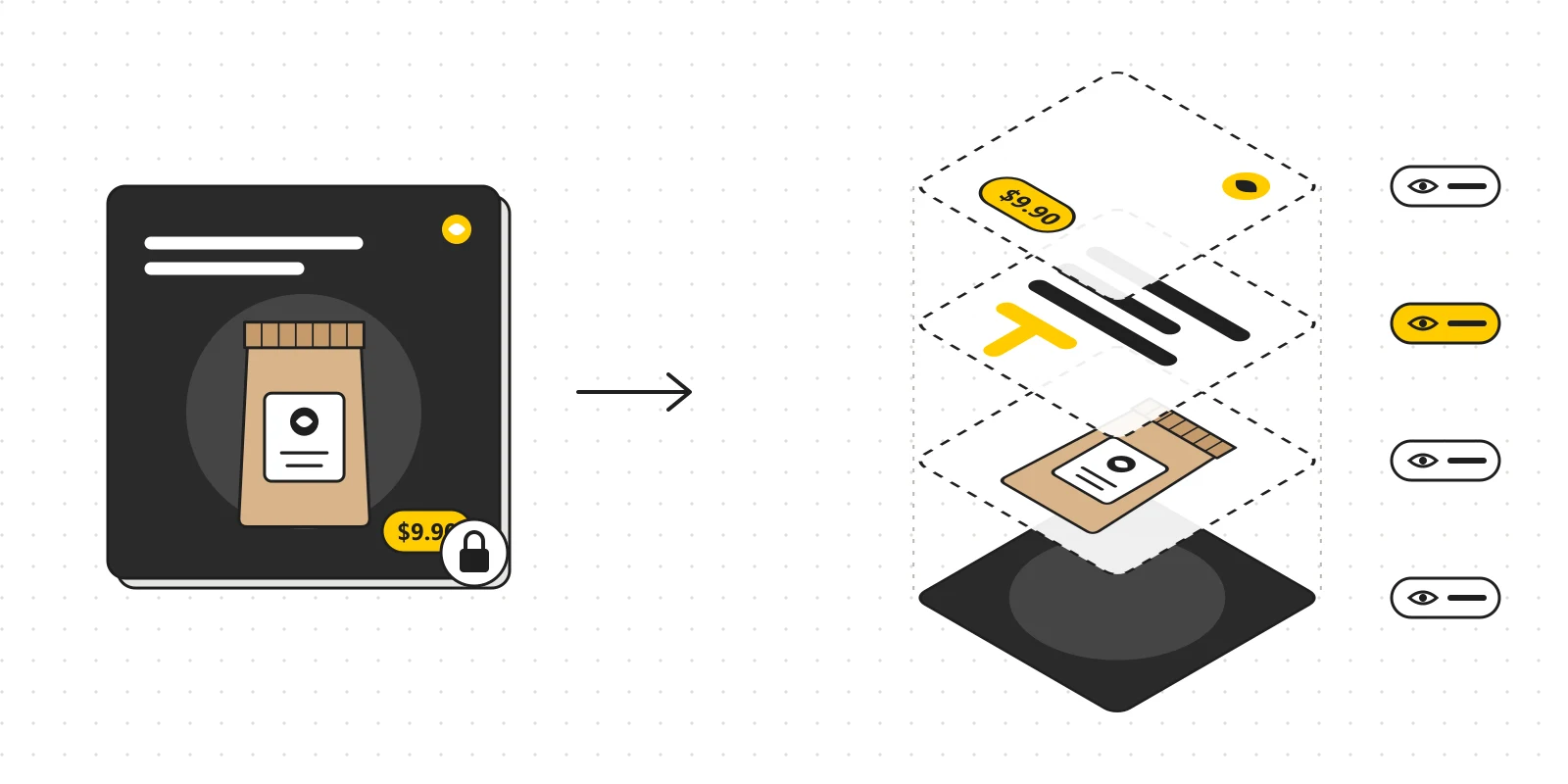
That is why editability should count as a quality criterion. A file meant for long-term use should have editable text, sensibly separated elements, easily replaceable assets and a structure clear enough for someone else to pick up.
It is also why designers may combine several sources: real product photos, properly licensed assets, AI-generated images and graphic elements they build themselves. Each one does the job it suits best.
4. AI agents open another way of working with software
In a design context, an AI agent can be understood as an assistant connected to tools so it can carry out a chain of actions. What it can do depends on which functions the software exposes to it.
For example, a user might ask:
“Use this product photo to build a dark poster, keep the logo as it is, make an editable headline and add a vertical version.”
A properly integrated system can help place the image, add text, arrange the layout and adjust each element. Adobe Express has introduced an AI Assistant for creating and editing designs in natural language, while letting users switch to manual editing.[2]
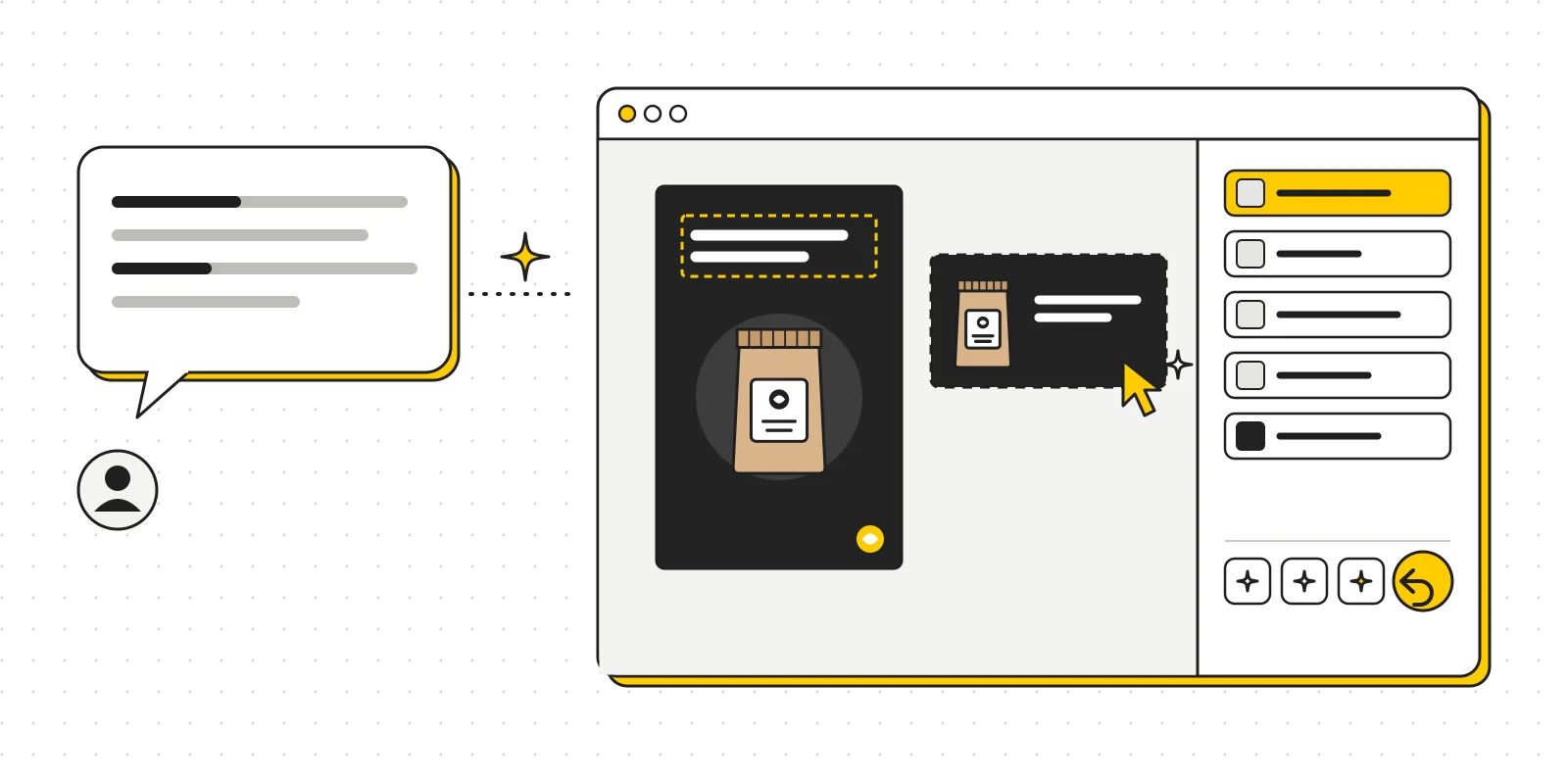
However, spoken requests can still be misunderstood. Words like “more premium” or “more airy” do not pin down the spacing, colors or sizes you actually want.
A practical workflow is to hand over one clear task at a time, check the result and then continue. Users need to see what changed, undo easily and adjust details directly. An agent is useful to the extent that it does exactly what was asked and keeps the design easy to control.
5. Work becomes more accessible, and competition changes too
AI lets people who have not mastered design software try making promotional images, illustrations and idea drafts. A shop owner can prepare simple content on their own; a content creator can try several visual directions before hiring a designer.
This can put pressure on services that rely mostly on repetitive production work. Clients may also expect shorter turnaround times or more options. Still, the degree of change will differ between types of projects; being able to generate images does not mean that all design work will be automated.
For professionals, the key skills still include understanding the brief, organizing information, building a consistent identity and being able to explain their choices.
A poster can be eye-catching while viewers still cannot tell what the product is. A banner can look great at full size but be unreadable on a phone. Those problems have to be judged in the context where the design will actually be used.
The ability to produce many options is only useful together with the ability to choose, refine and finish the right one.
6. Copyright and trust need separate attention
When using AI content for commercial work, three questions should be kept apart: the tool's terms of use, whether the work can be protected by copyright, and third-party rights in whatever appears in the image.
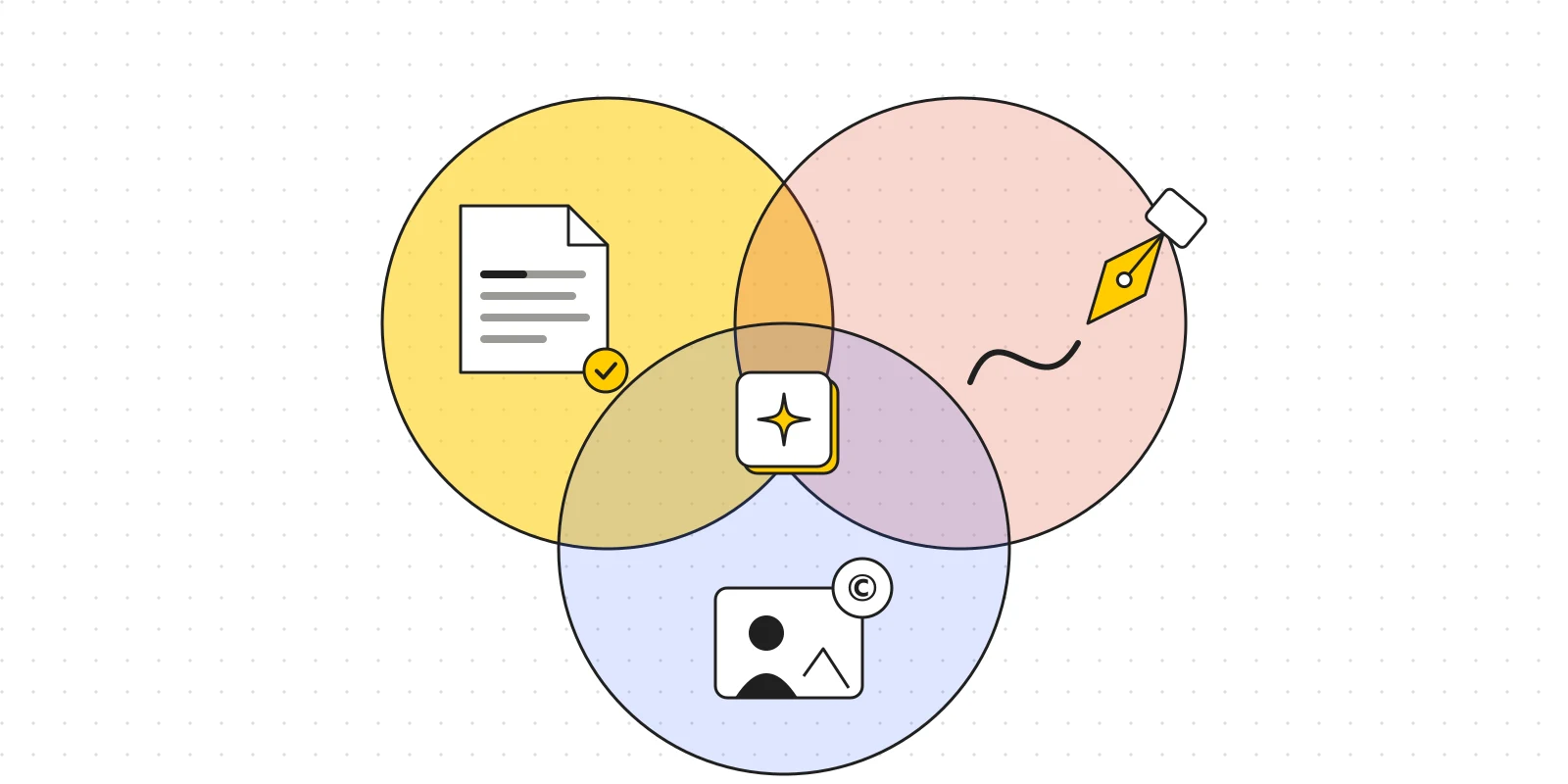
A tool allowing commercial use does not automatically settle all three.
In a 2025 report, the U.S. Copyright Office affirmed the role of human creative contribution: entering a prompt alone is not enough, while the creative parts a human contributes to an AI-assisted work can be protected if they meet the requirements. This is a position under U.S. law and should not be assumed to apply in every country.[3]
Beyond usage rights, design also has to stay trustworthy. An image illustrating an idea and an image used as evidence about a product serve different purposes. When an image could mislead viewers about an event, a person or a product feature, how it is presented and whether AI use is disclosed deserve careful thought.
7. Where should designers start?
A practical approach is to pick a task you do often, bring AI into one specific step, then compare time and quality with your current way of working.
For example, try using AI to explore settings for a set of product photos. Keep the original product photo, choose a fitting setting, build the text and logo as separate elements, then check each version at its real display size.
Along the way you will learn where the tool helps, which parts need manual work and which mistakes keep recurring. That experience is worth more than collecting lots of prompts.
Alongside learning the tools, keep training your eye for layout, typography, color and information hierarchy. When reviewing results, be able to name the specific problem: a headline lacking contrast, spacing that is too tight, an image overpowering the message or an inconsistent identity.
AI is expanding what it takes to bring an idea to life. To turn that into value, designers need a process that produces work that meets the brief, is easy to edit and can be trusted. That standard applies both to today's work and to the tools still to come.
References
[1] Adobe — AI features in Photoshop: adobe.com/products/photoshop/ai.html [2] Adobe — AI Assistant in Adobe Express overview: helpx.adobe.com/express/web/ai-assistant/adobe-express-ai-assistant-overview.html [3] U.S. Copyright Office — report on the copyrightability of AI-assisted works, January 29, 2025: copyright.gov/newsnet/2025/1060.html