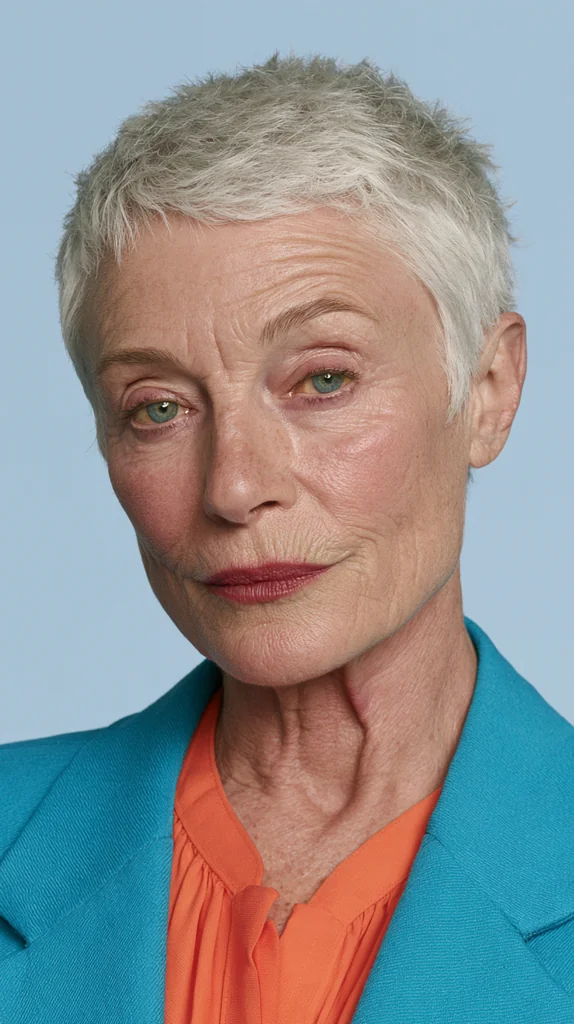
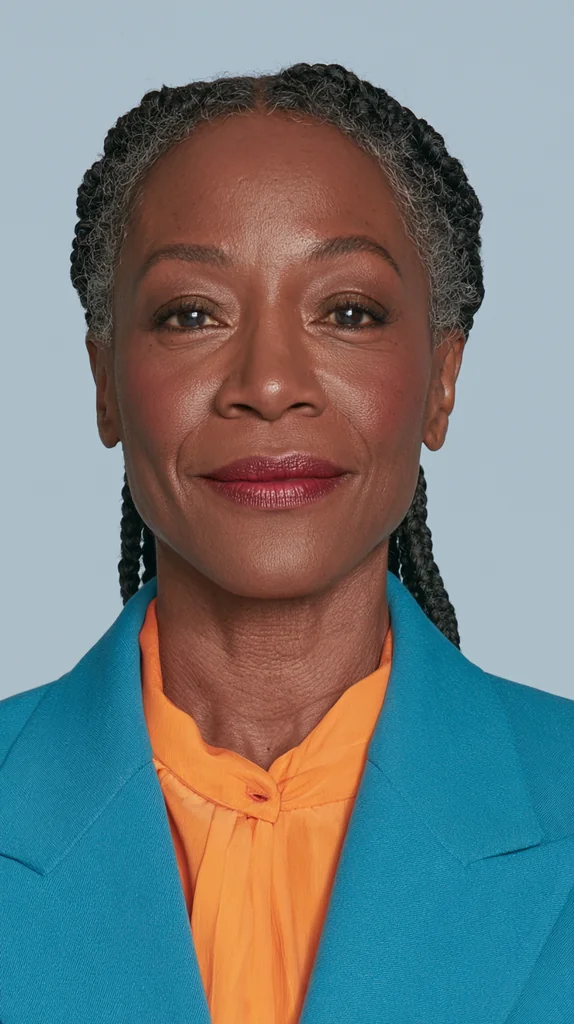
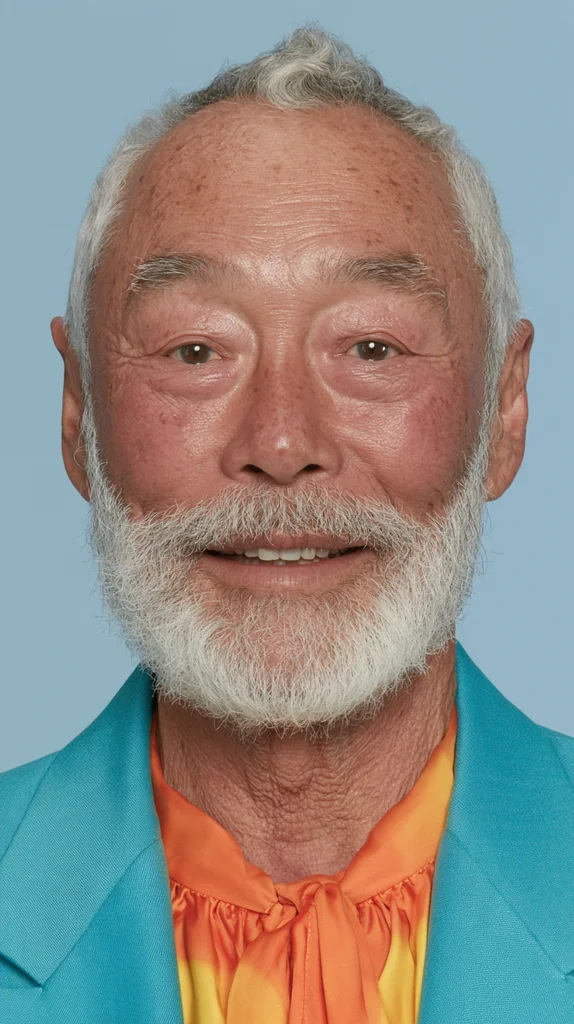
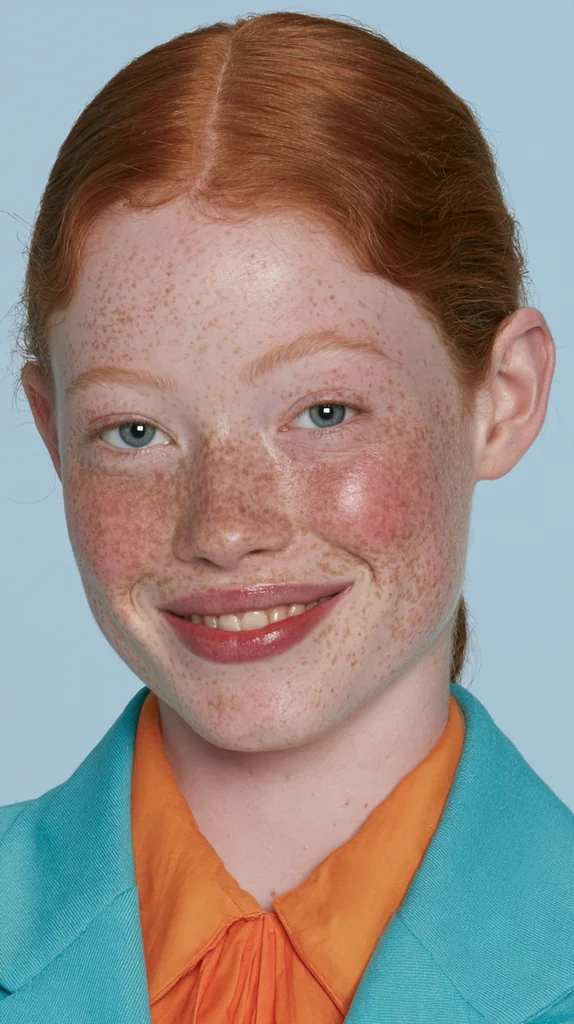
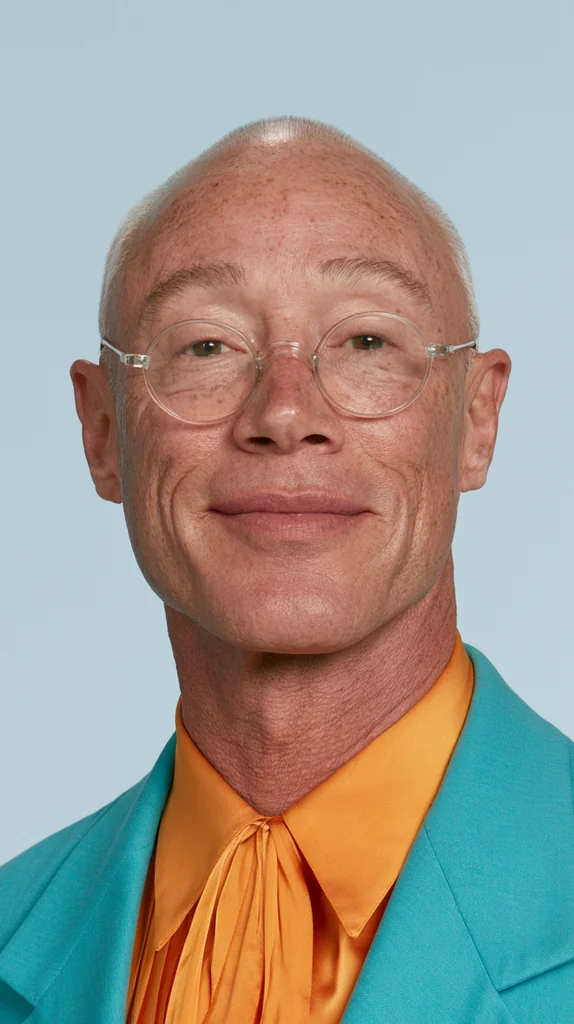
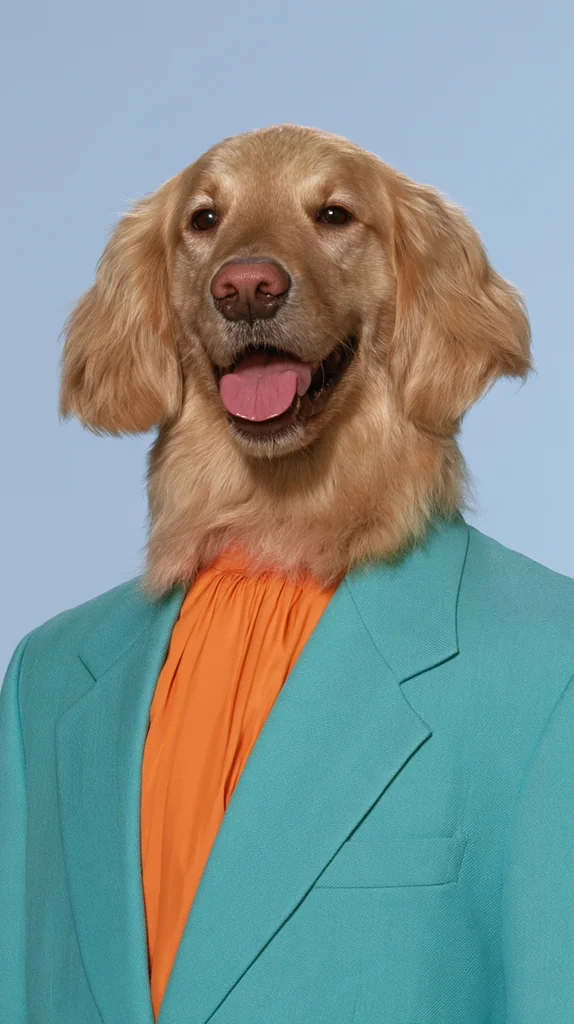
Turquoise Blazer Portrait A tight, finely detailed studio portrait in a vivid turquoise blazer over a bright orange blouse against soft light blue — you tell us who wears it, person or pet.
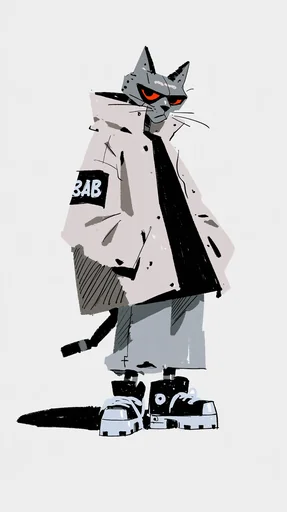 Streetwear Brush Character
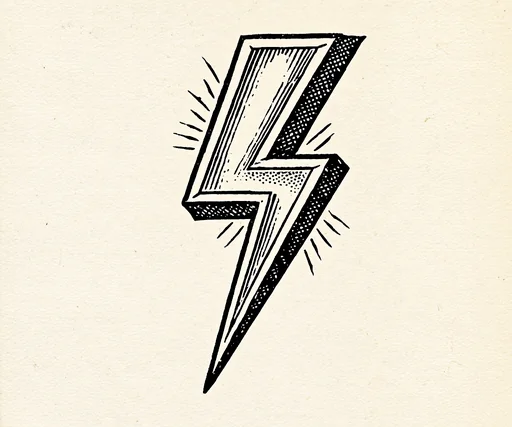 Alchemy Woodcut Icon
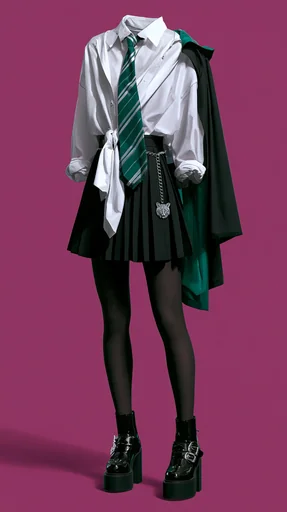 Ghost Mannequin Outfit
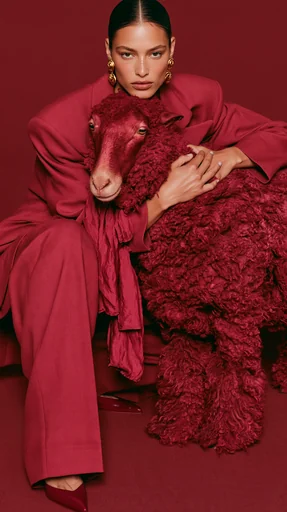 Tonal Animal Fashion Portrait
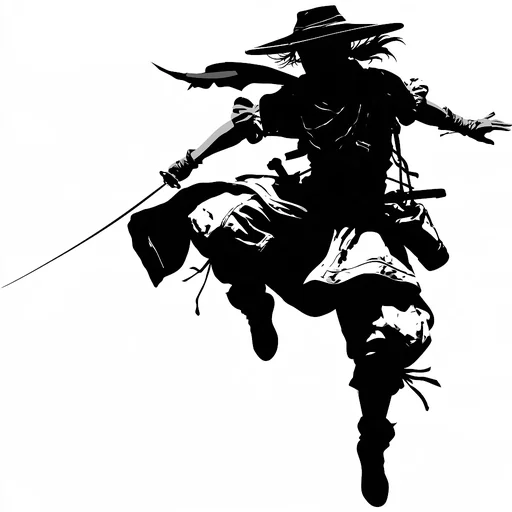 Ink Stencil Action
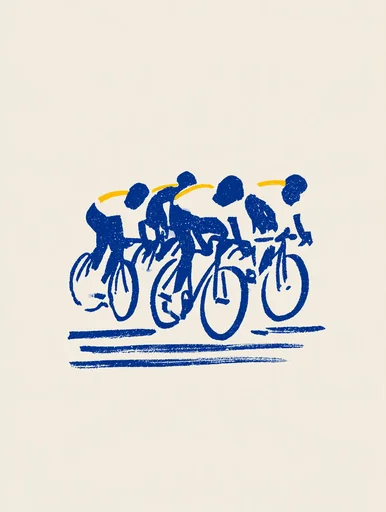 Cobalt Lemon Riso Sketch
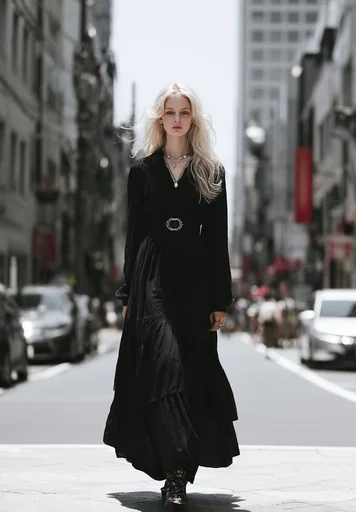 Tokyo Summer Street Fashion
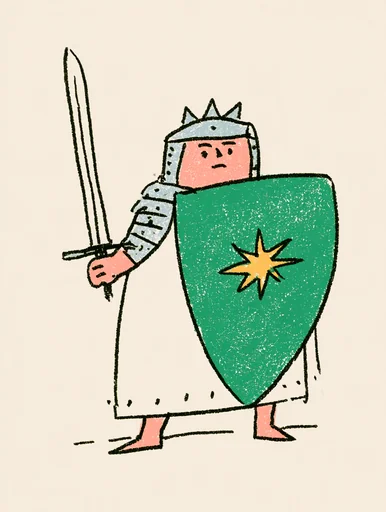 Deadpan Naive Character
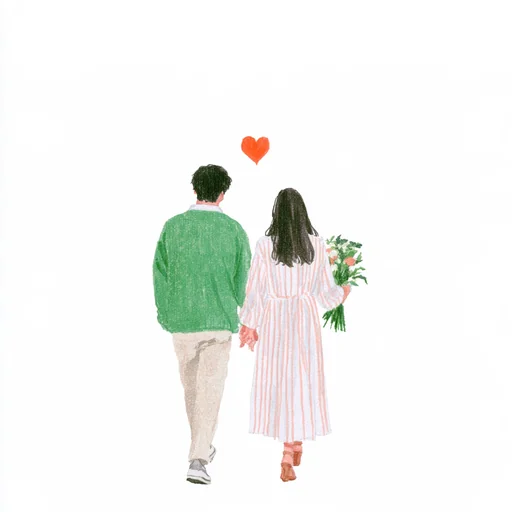 Pencil Back View Heart
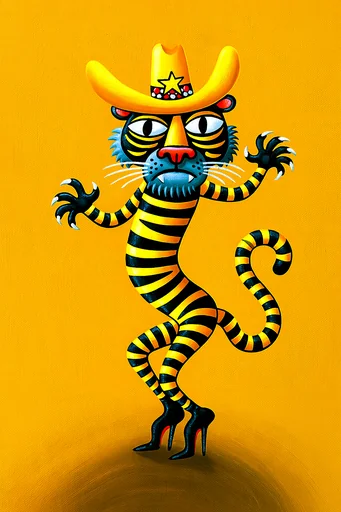 Acrylic Dancing Critter
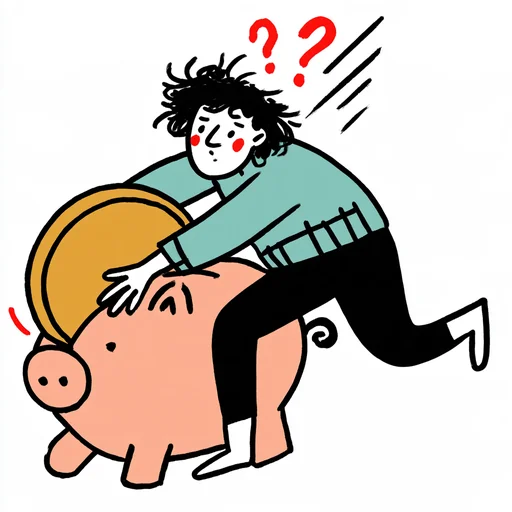 Scratchy Ink Struggle Cartoon
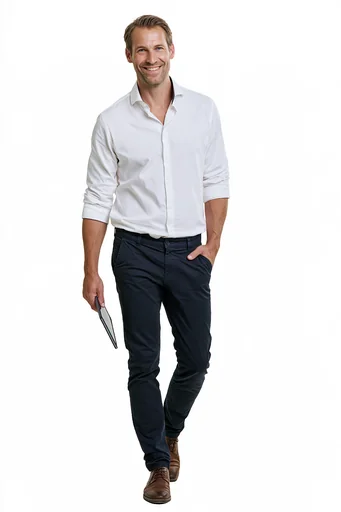 Field Sales Rep Poses
 Suit Silhouette Poses
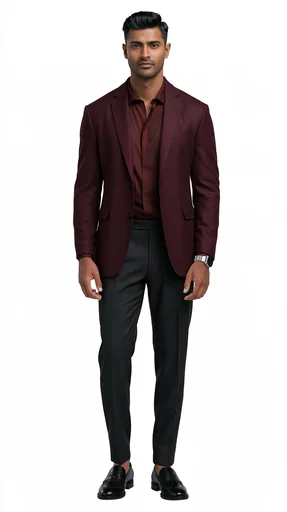 Burgundy CEO Poses
 Felt Dad 3D Poses
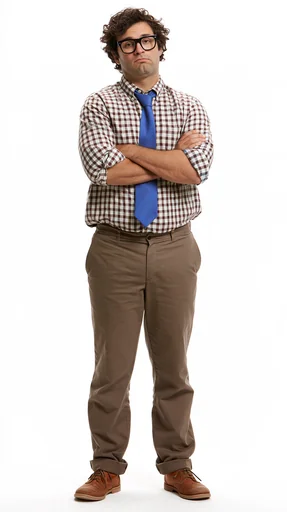 Office Geek Poses
 Puffy Watercolor Icon
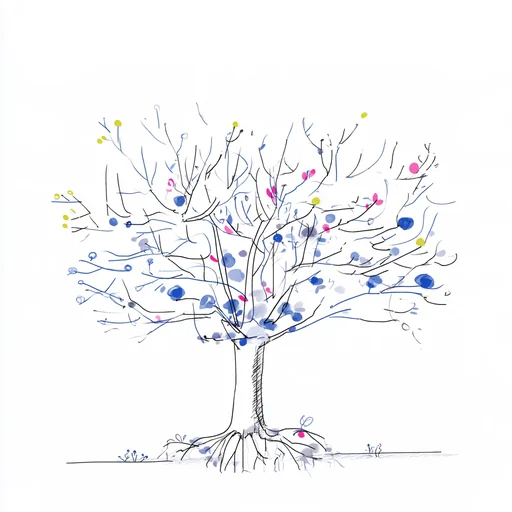 Blue Dot Pen Sketch
 Startled Scratchy Ink Doodle
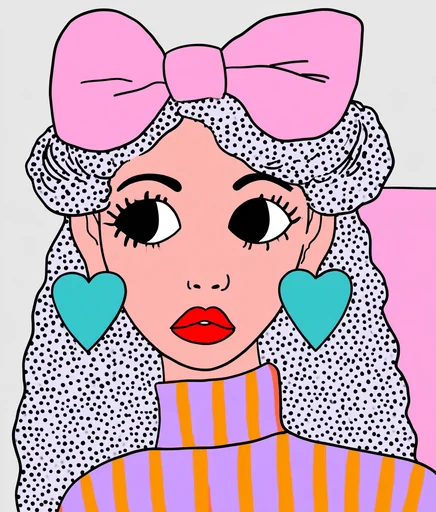 Polka Pop Fashion Portrait
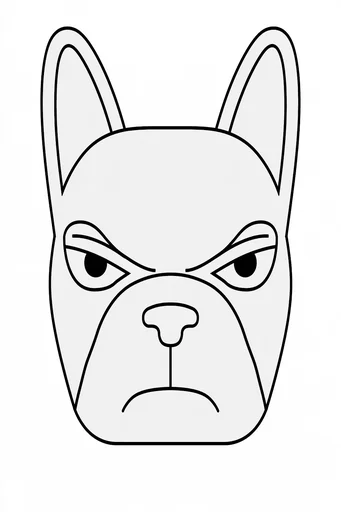 Bold Line Coloring Page
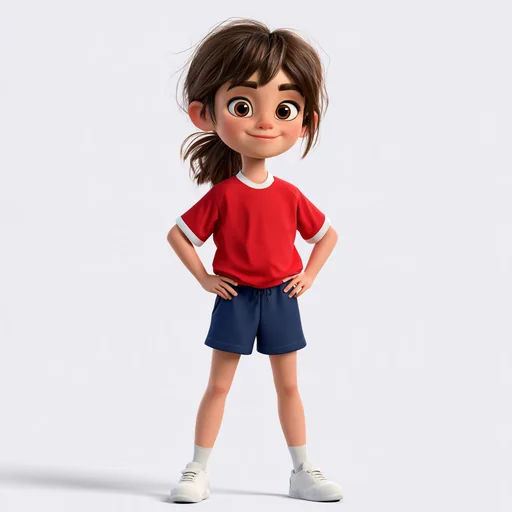 Sporty Kid 3D
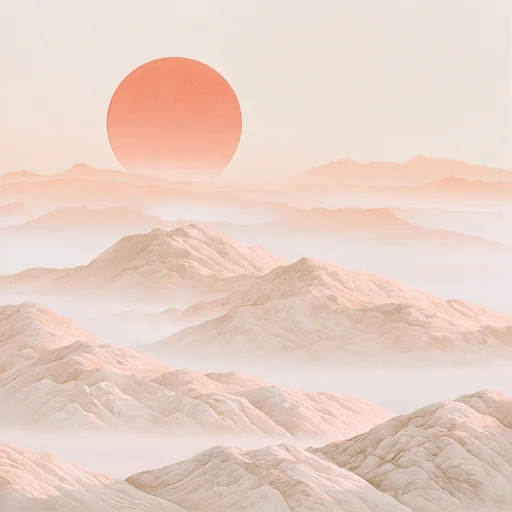 Peach Mist Gouache
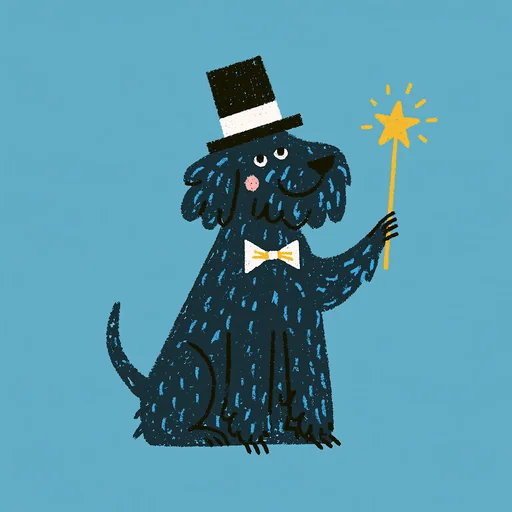 Crayon Magician Critter
No style matches yet — try other words.
Turquoise Blazer Portrait A tight, finely detailed studio portrait in a vivid turquoise blazer over a bright orange blouse against soft light blue — you tell us who wears it, person or pet.
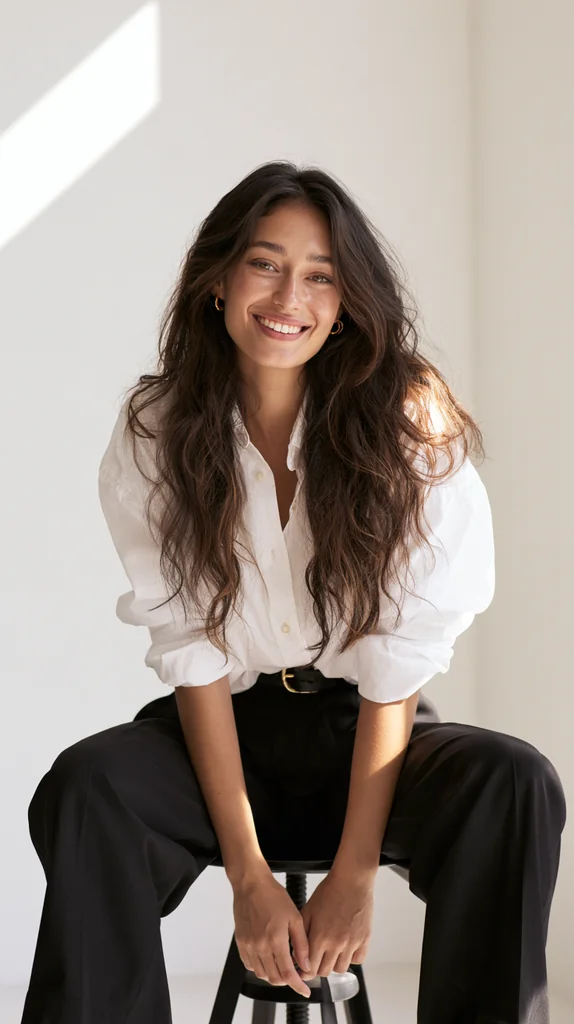
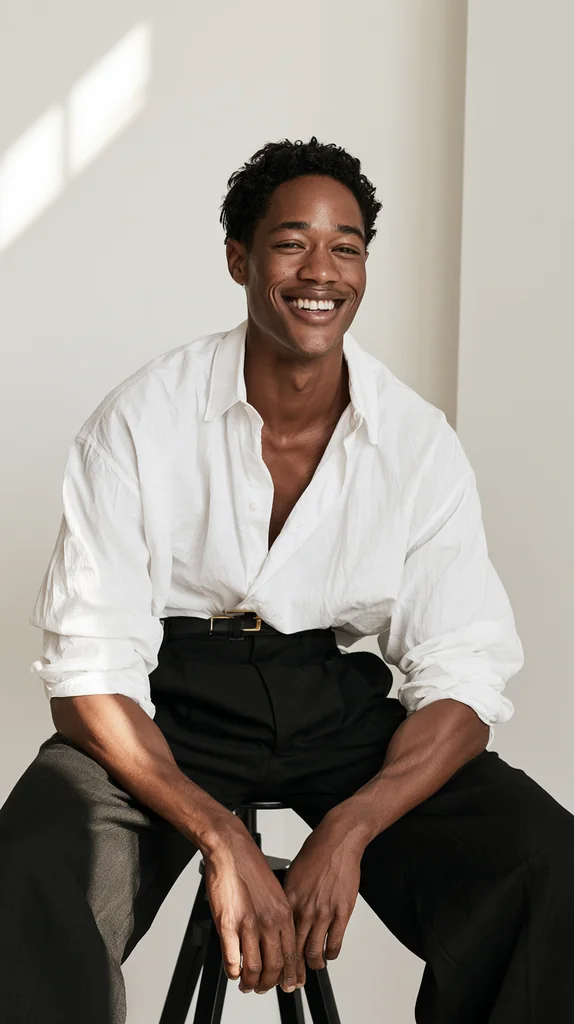
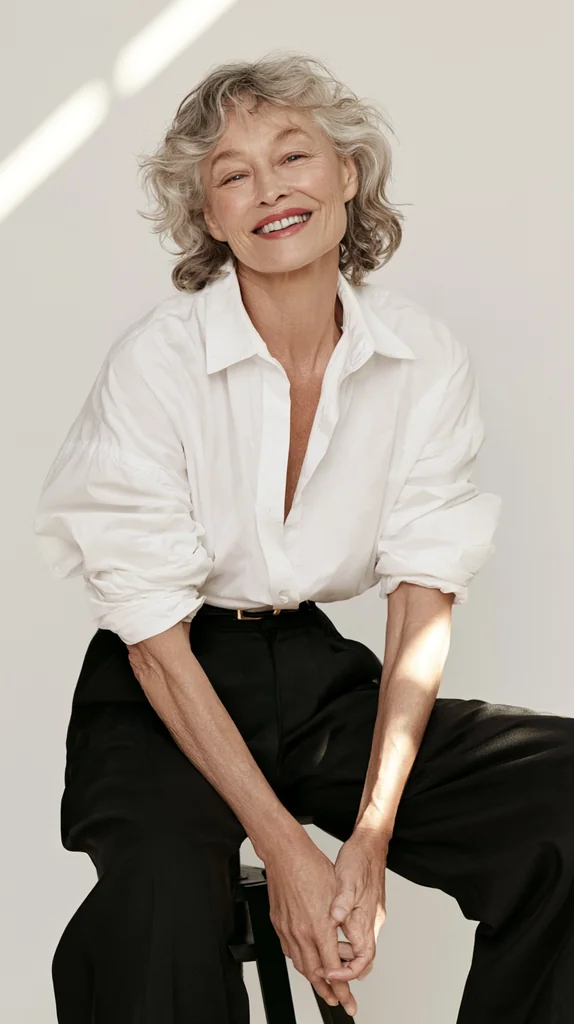
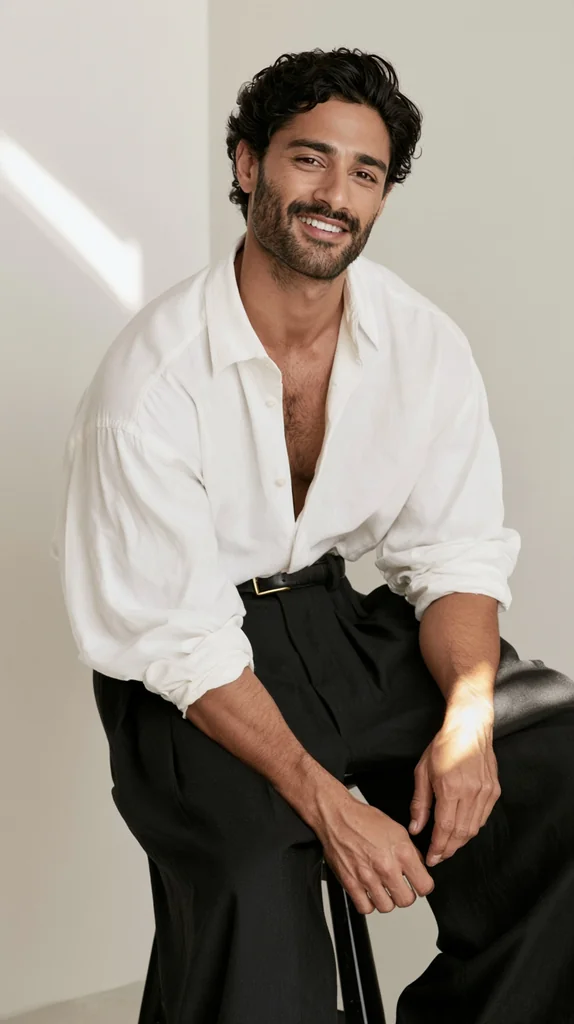
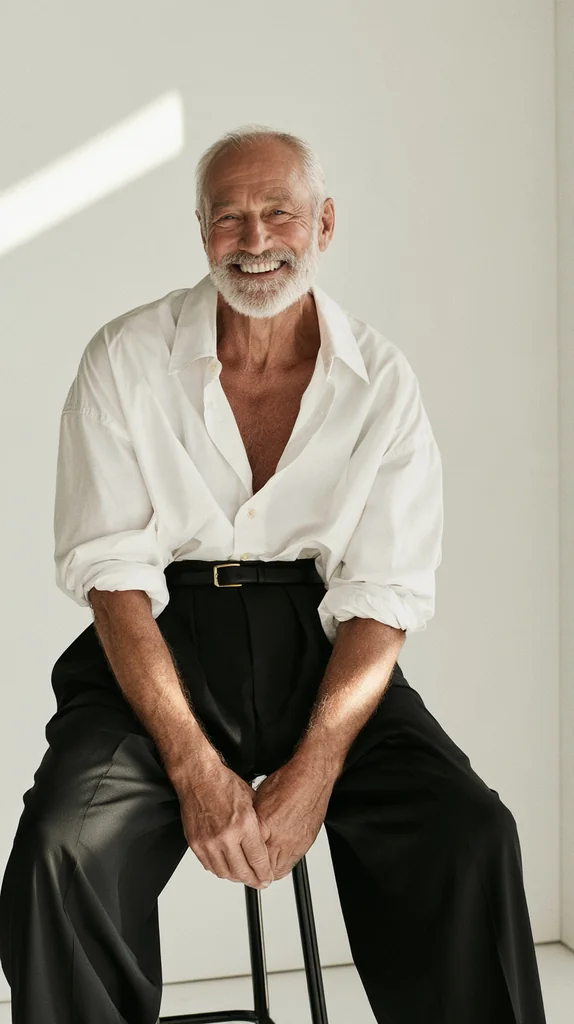
Sunlit Stool Portrait A joyful editorial portrait in a loose white shirt and black wide-leg trousers, leaning forward on a black stool against an off-white wall striped with afternoon sun — you tell us who sits for it.

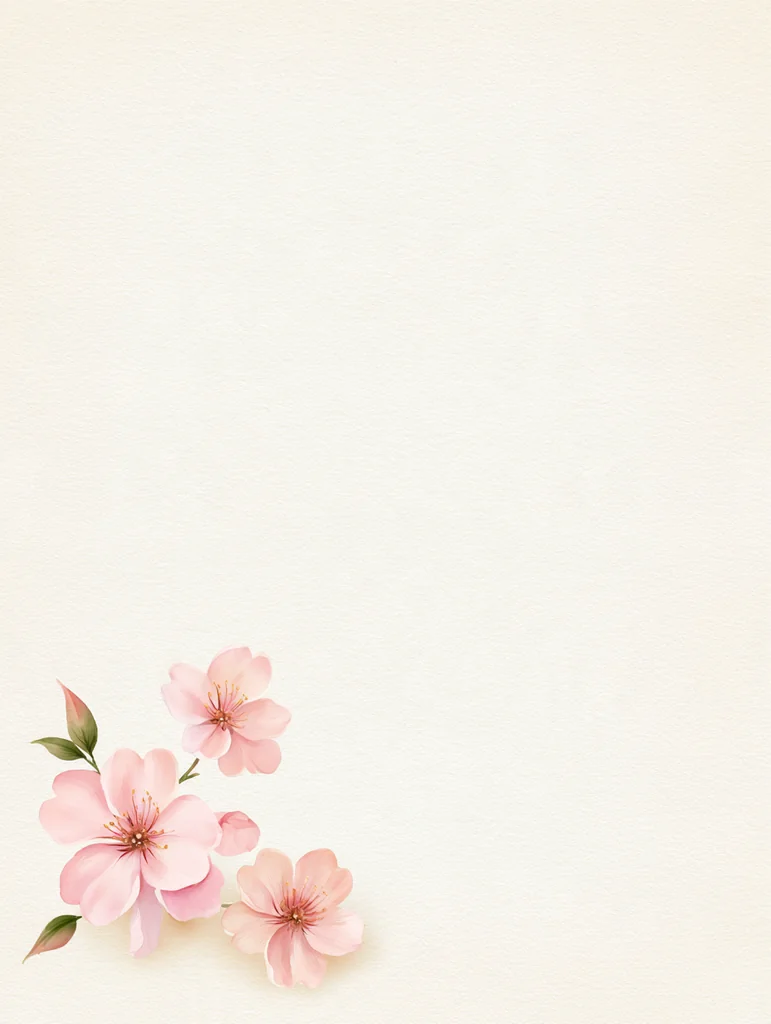
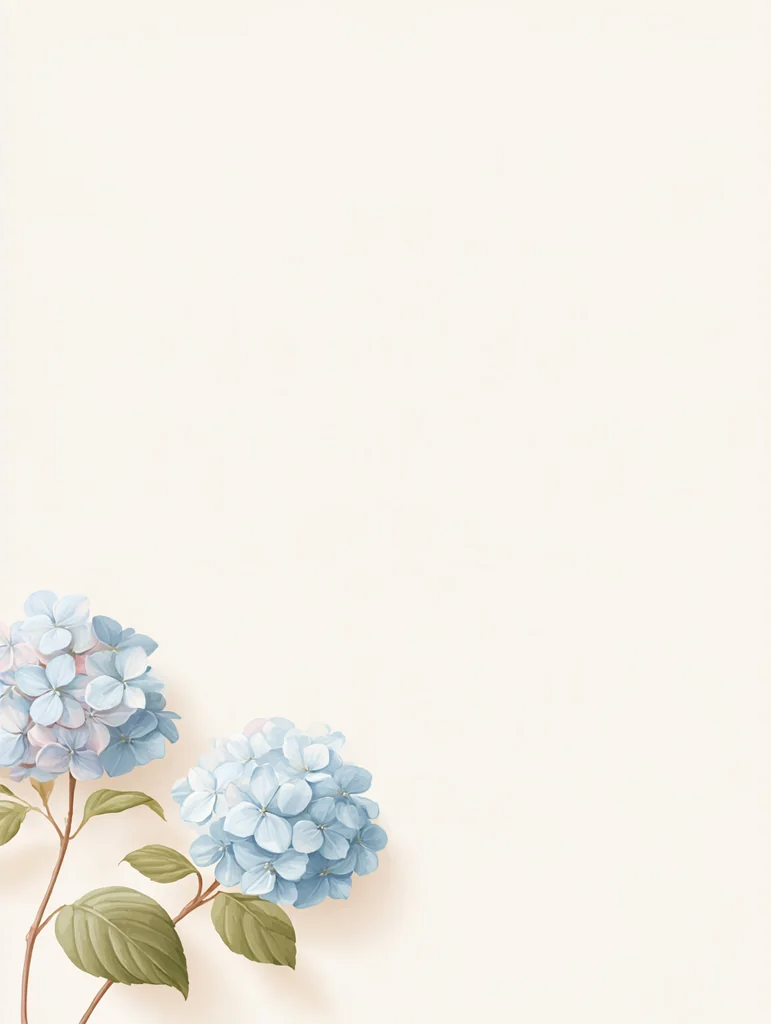
Washi Corner Blossom A small cluster of soft watercolor flowers tucked into the lower corner of warm cream washi paper, leaving wide empty space for your words — you tell us the flower.
Grandma Craft Moments A warm painterly scene of an Asian grandmother and her grandchild sharing a handicraft or folk game, drawn like animation character art and isolated on white — you tell us what they are making or playing.
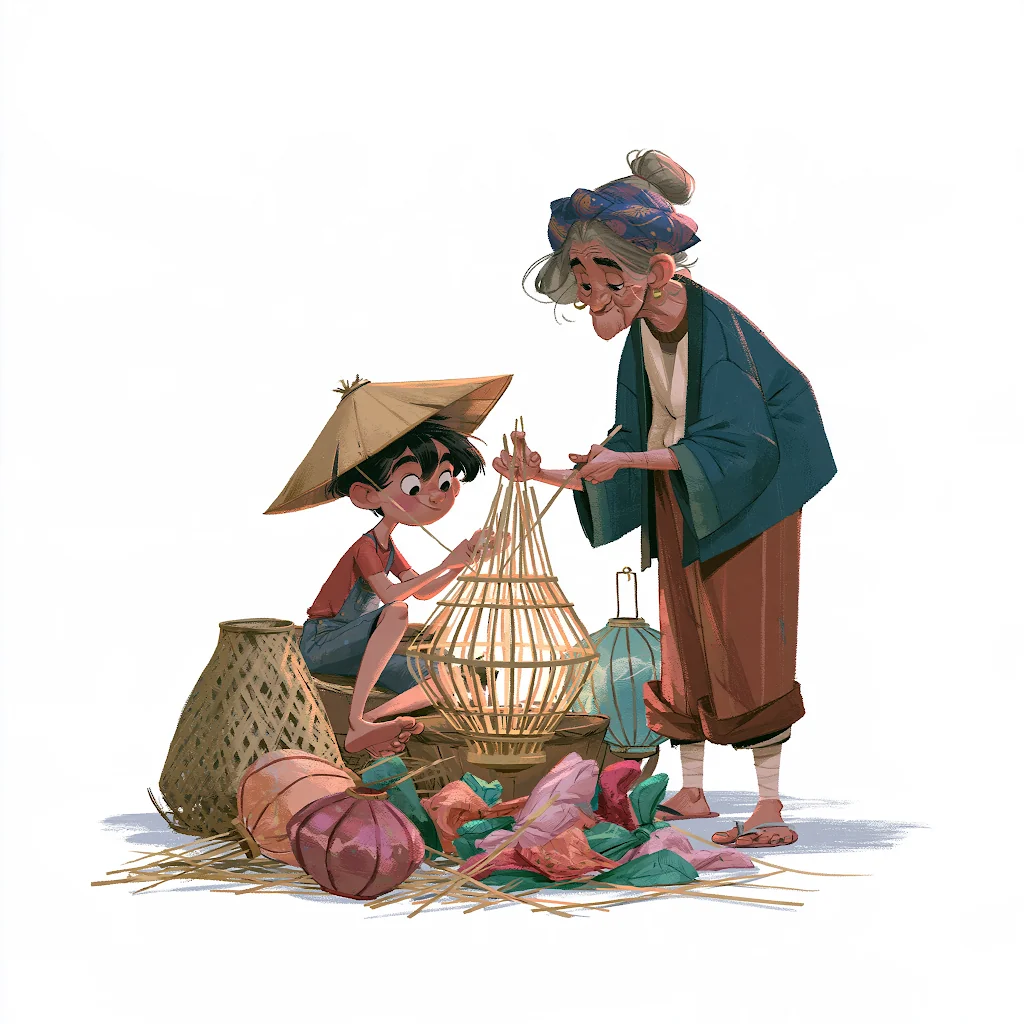

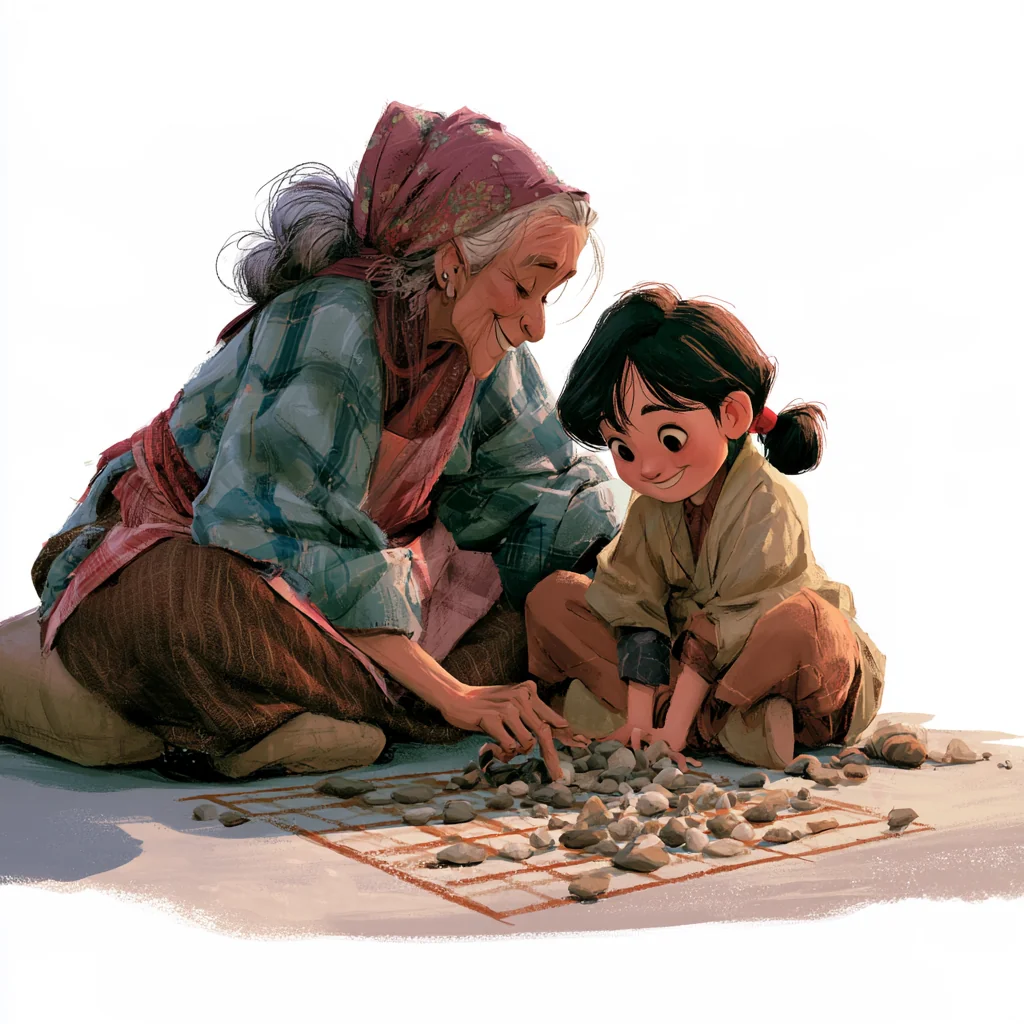
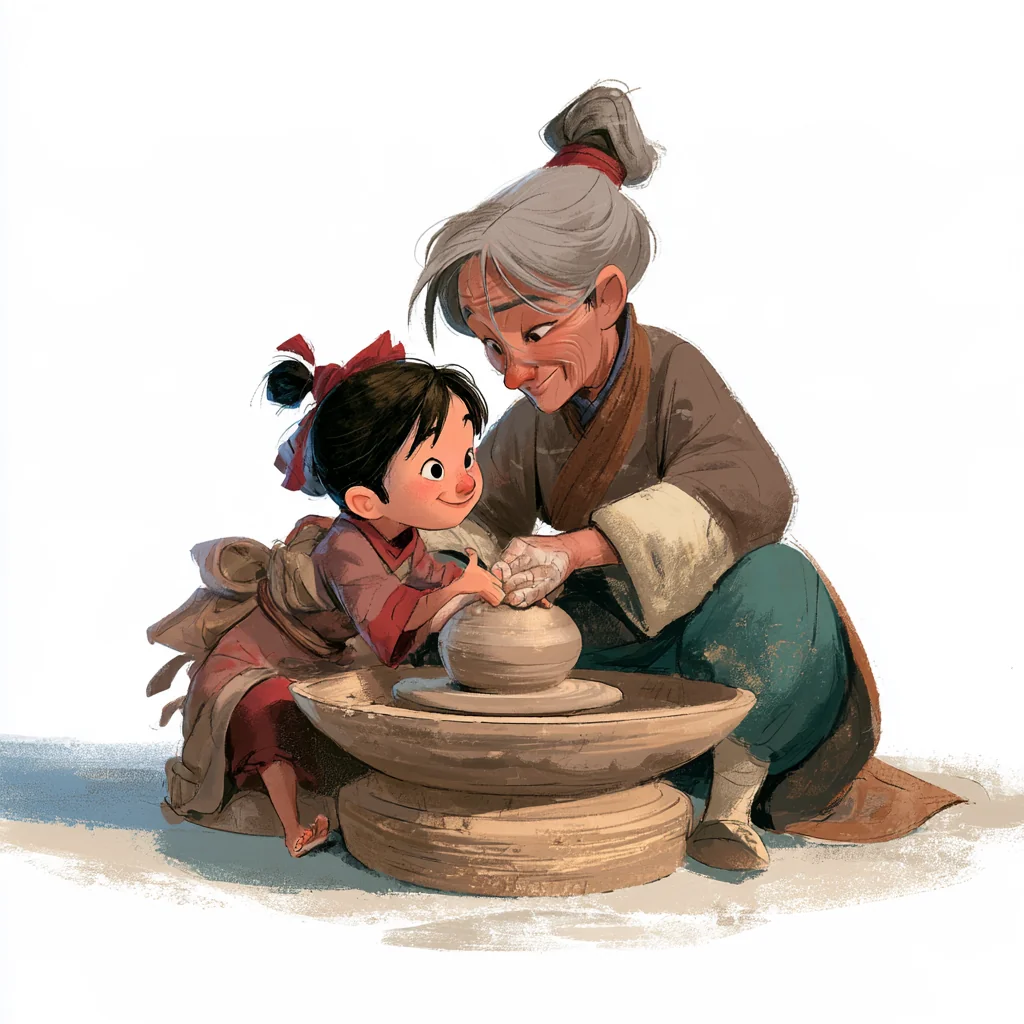


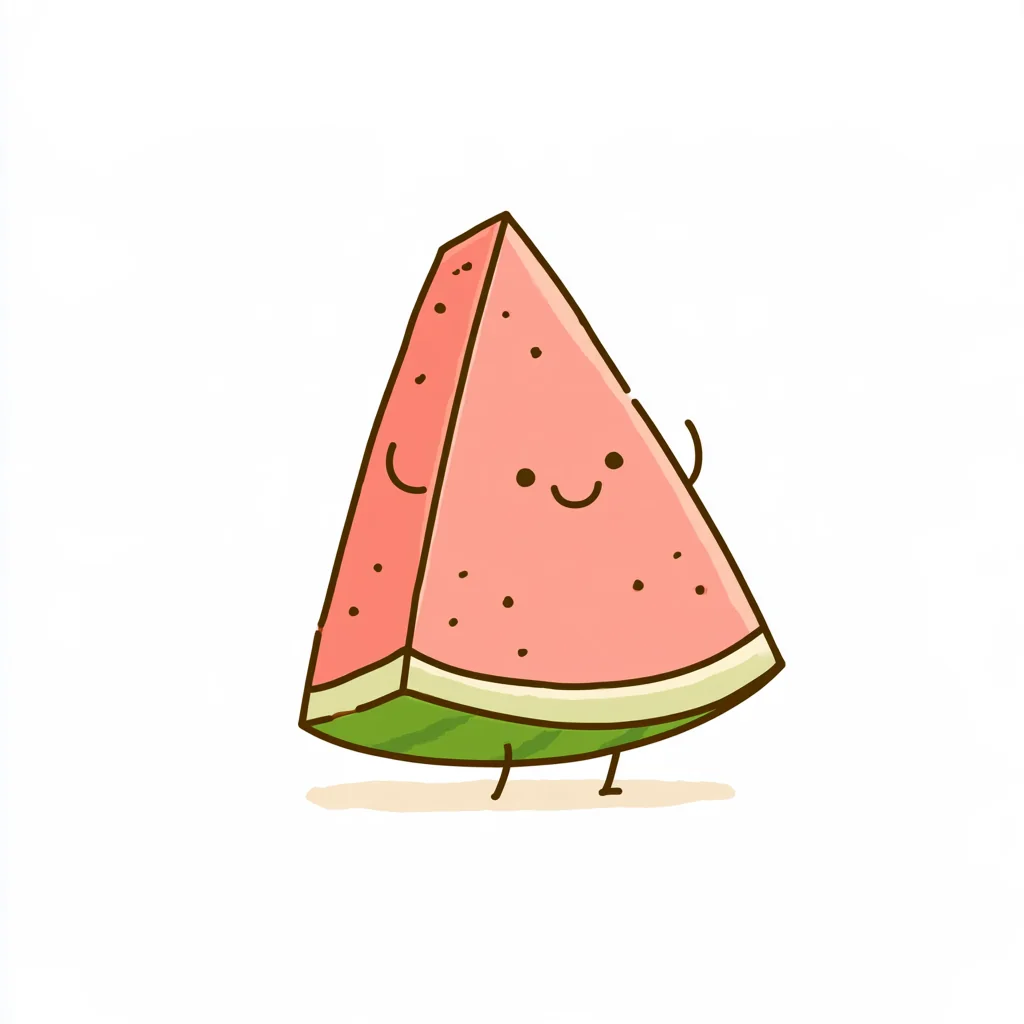
Pastel Line Doodle Sweet little characters with dot eyes and gentle smiles, drawn in thin broken brown lines and filled with flat soft pastels on clean white — you tell us who they are and what they are doing.





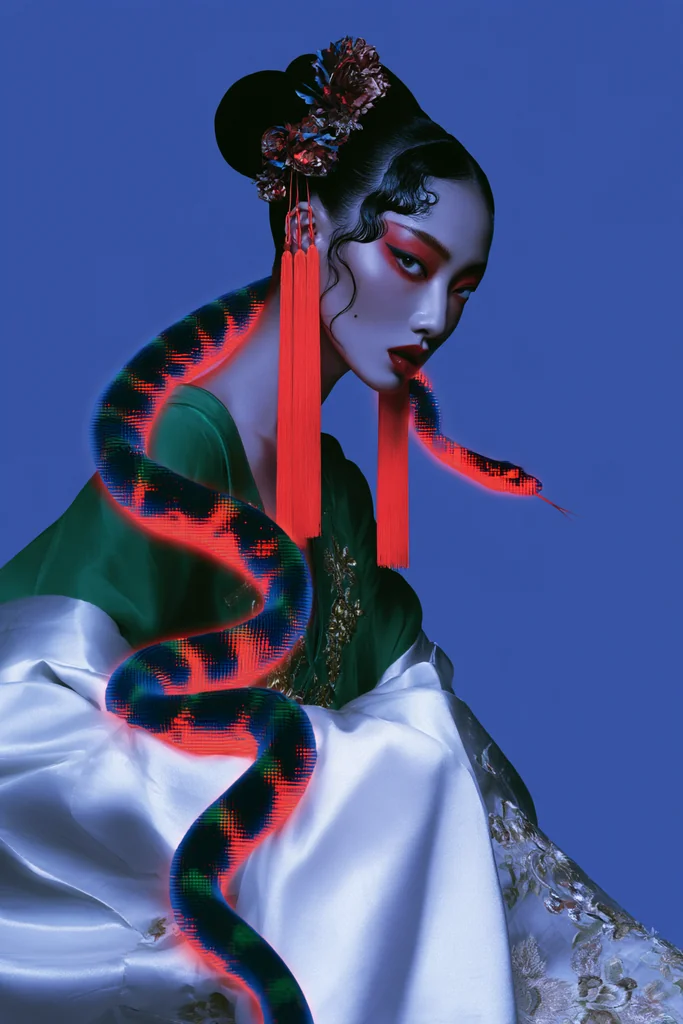
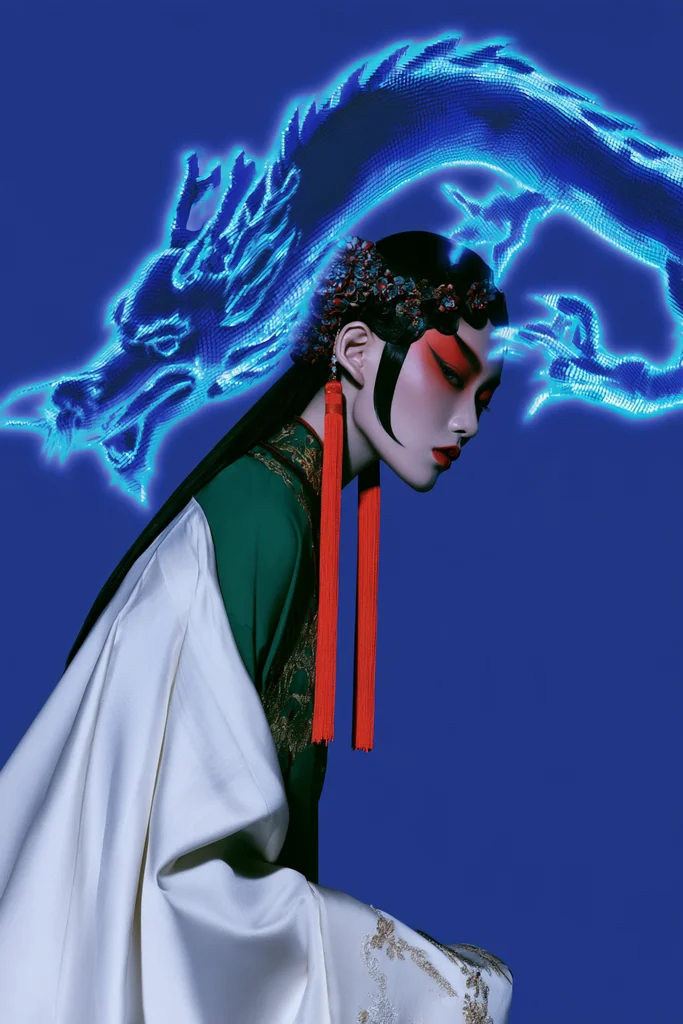
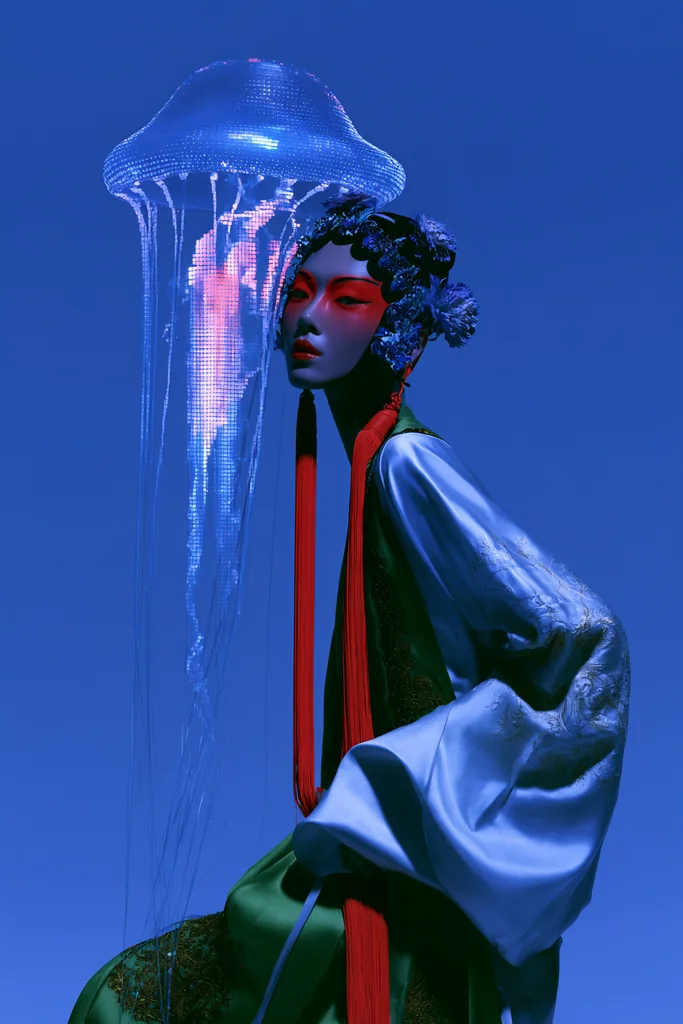
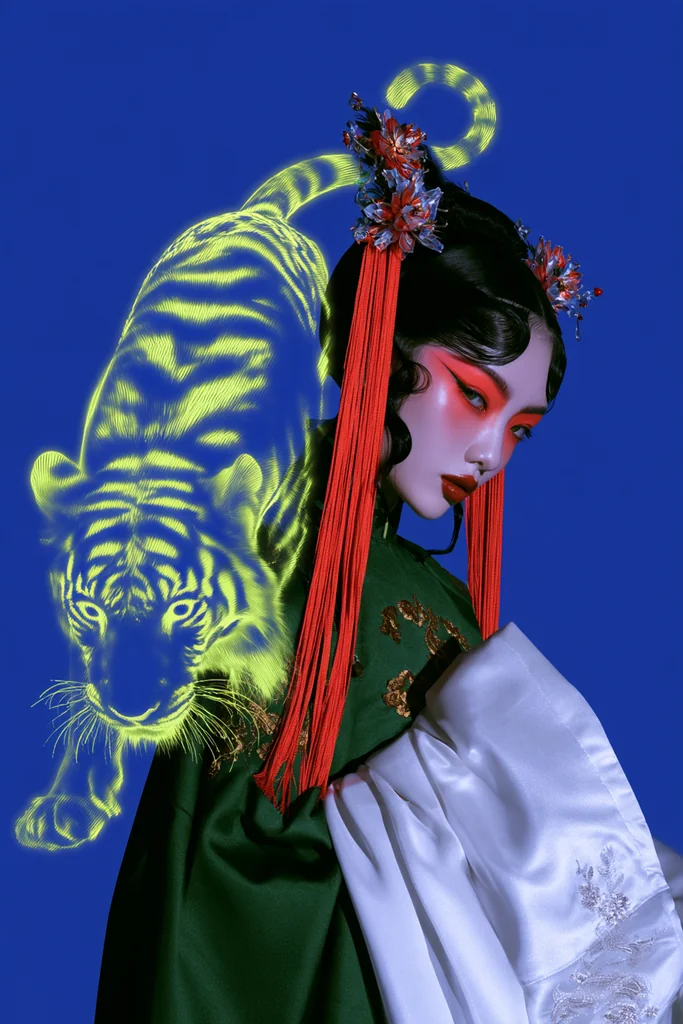
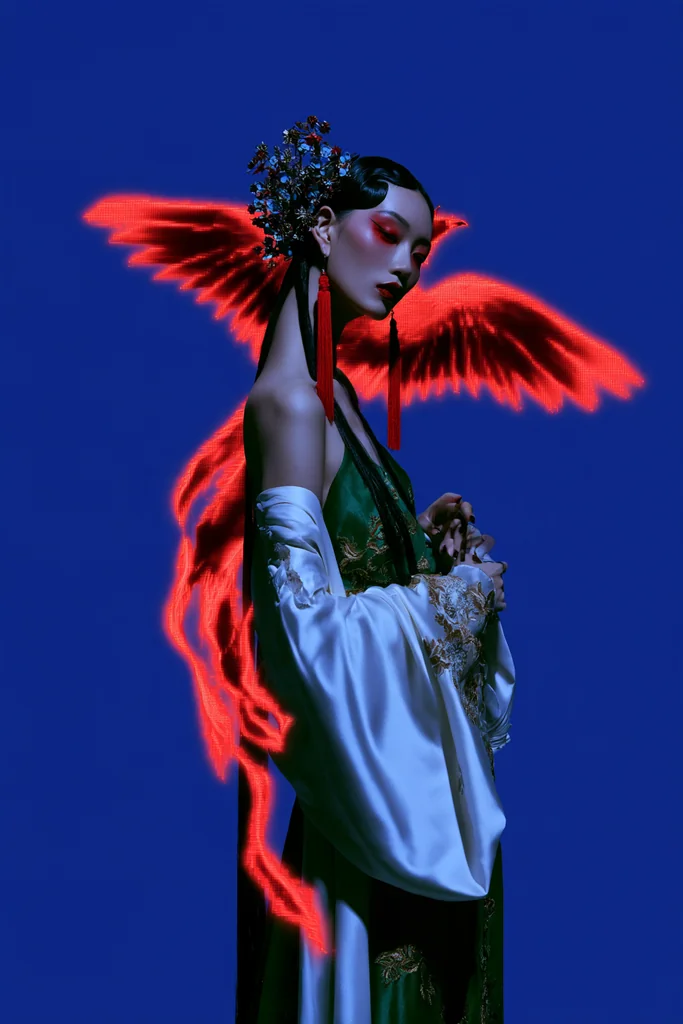
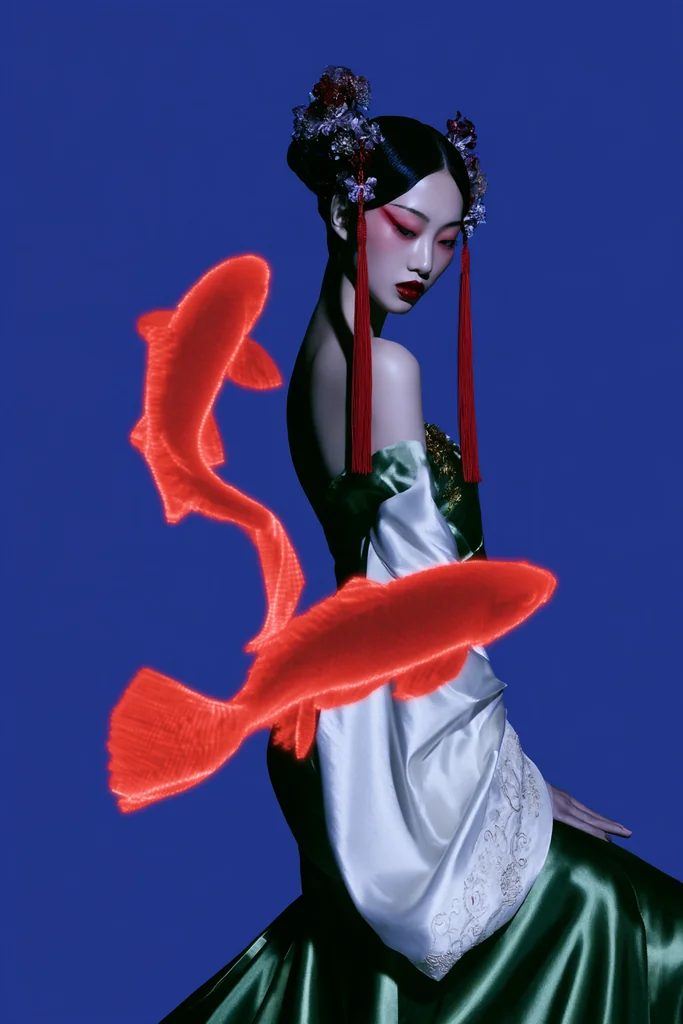
Neon Opera Spirit Portrait An opera-styled model in embroidered green and white robes with red tassels, lit by blue rim light on solid blue, while a glowing neon hologram creature coils around her — you tell us the creature and its color.
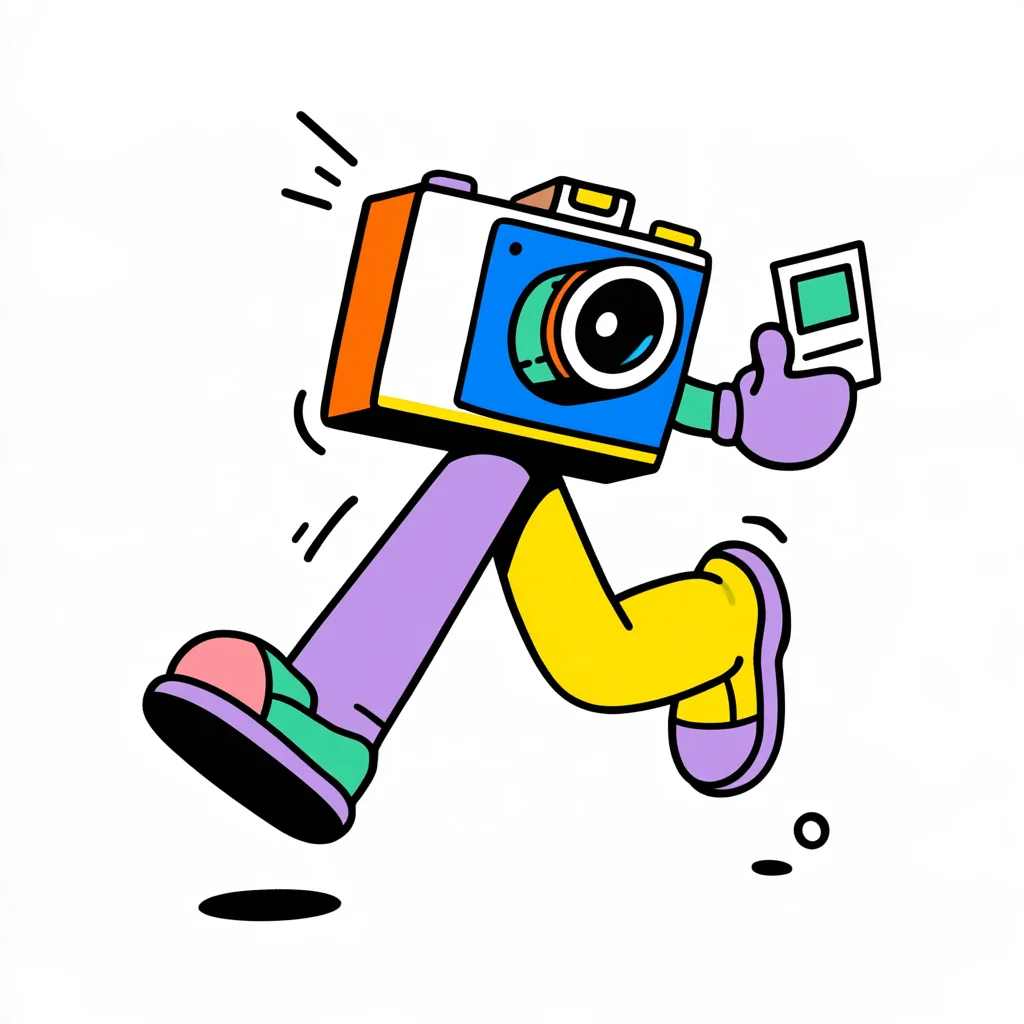
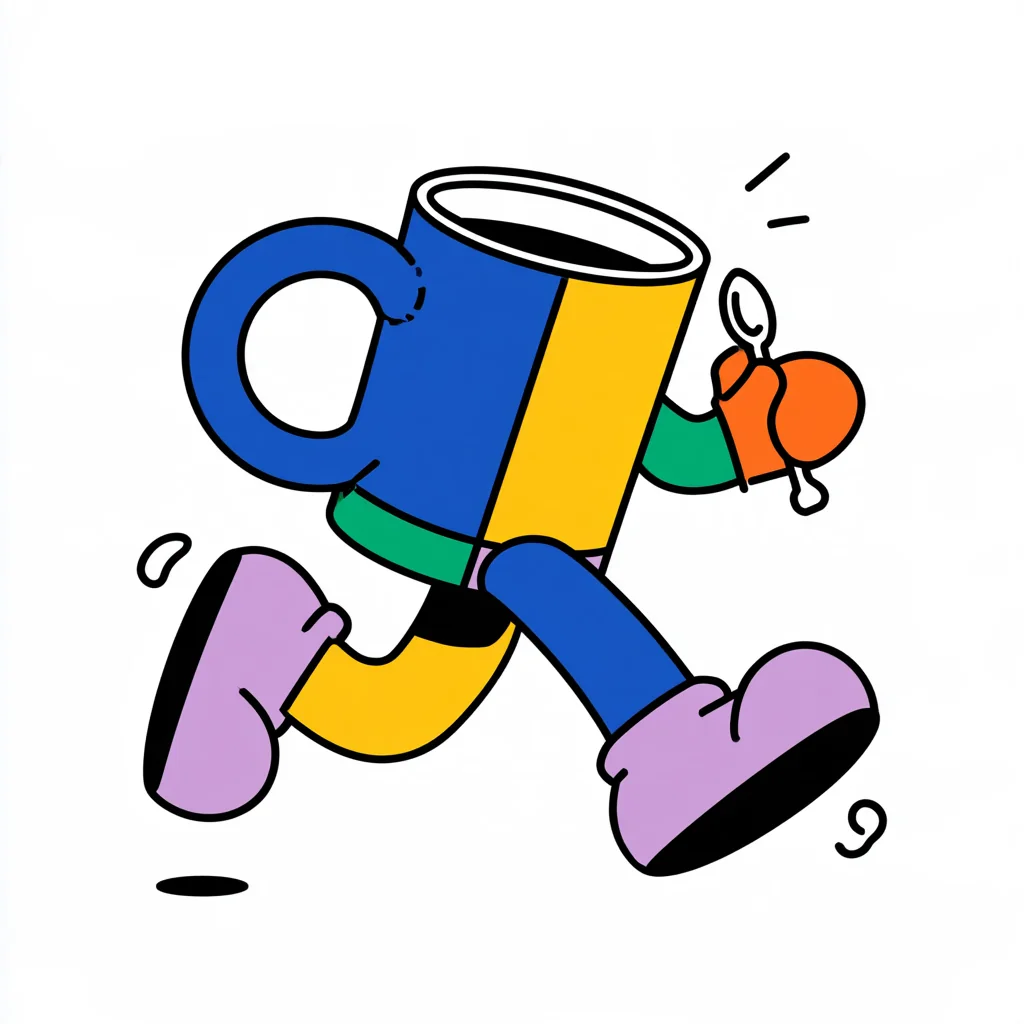
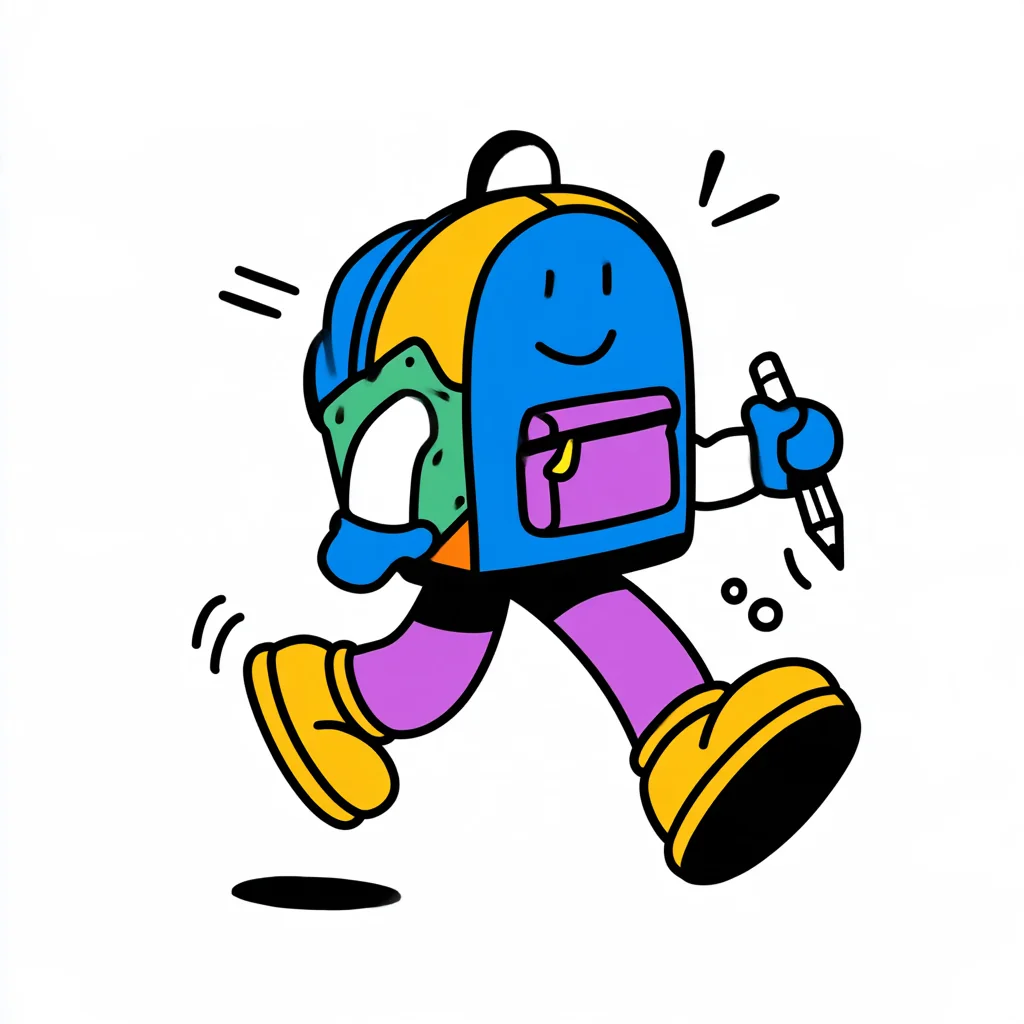
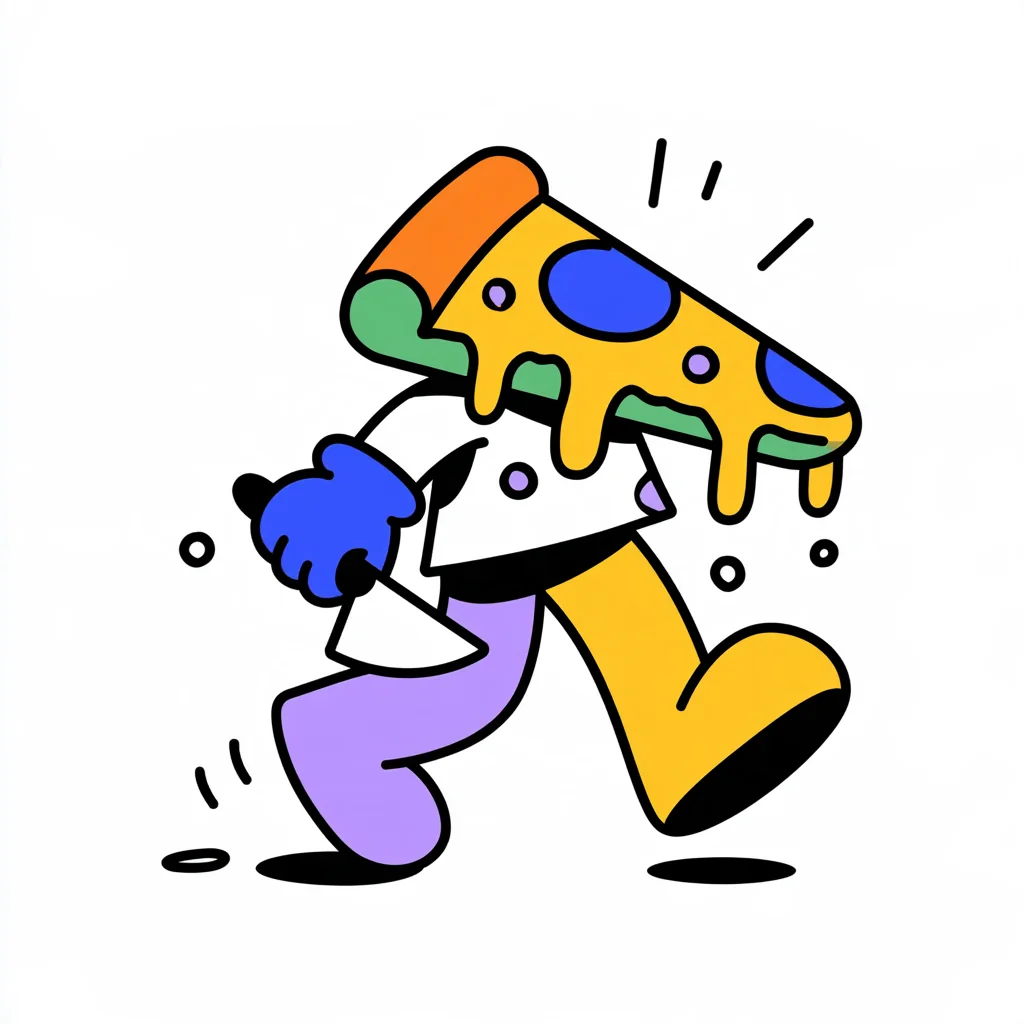
Walking Object Mascot We turn any everyday object into a cheerful walking mascot with bendy lilac and yellow legs, chunky shoes, thick black outlines and flat bright colors on white — you just pick the object.


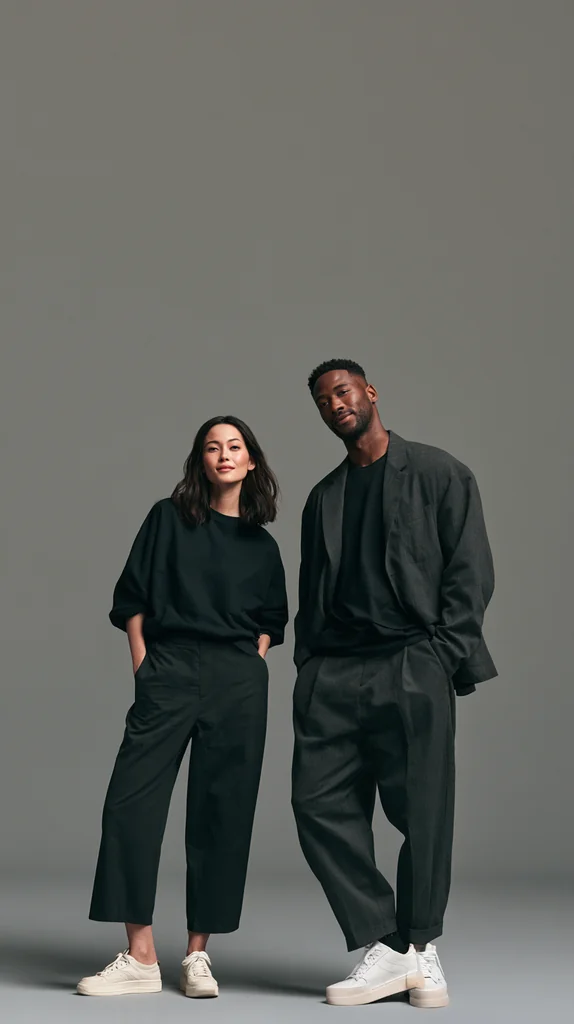
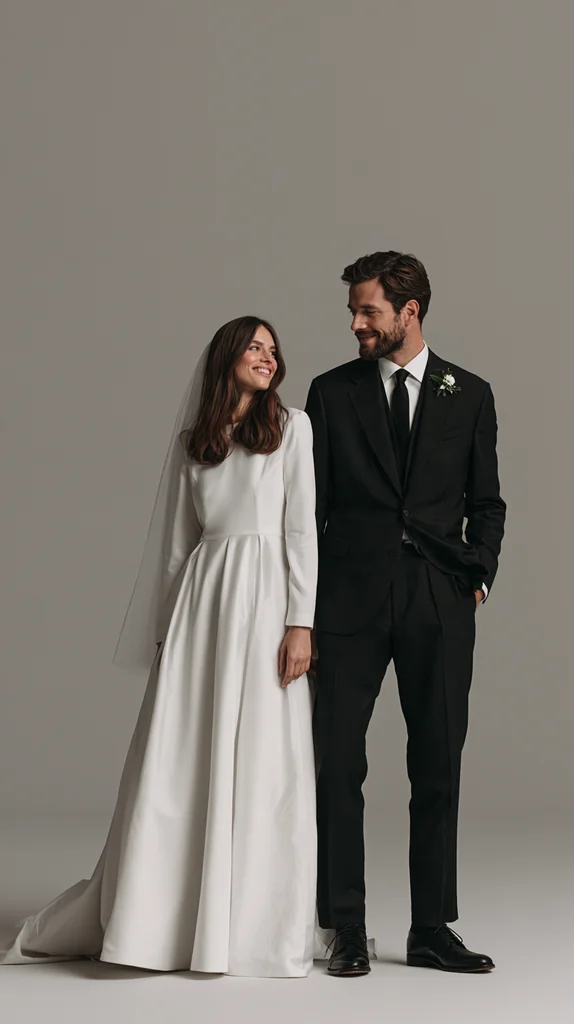
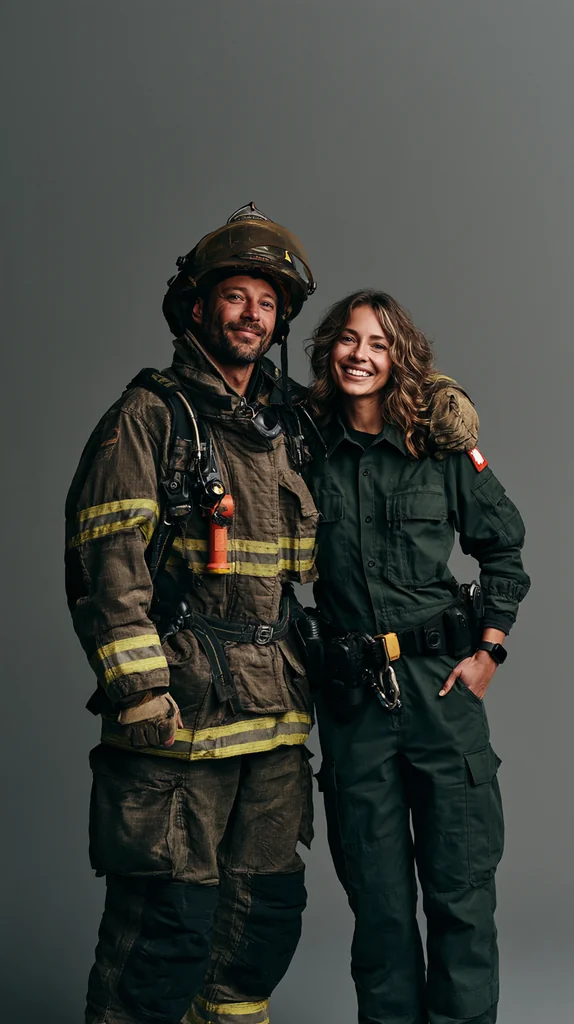
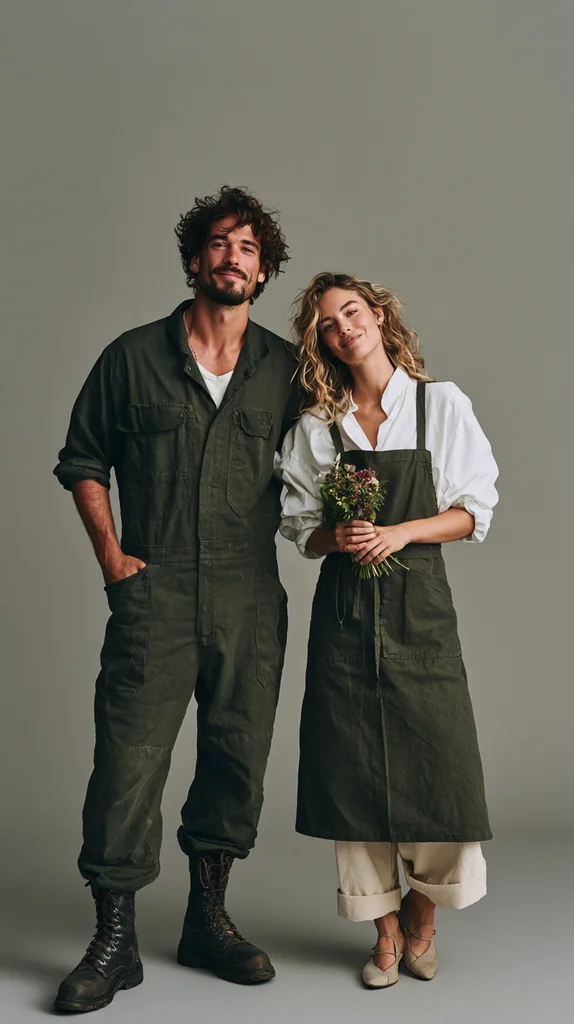
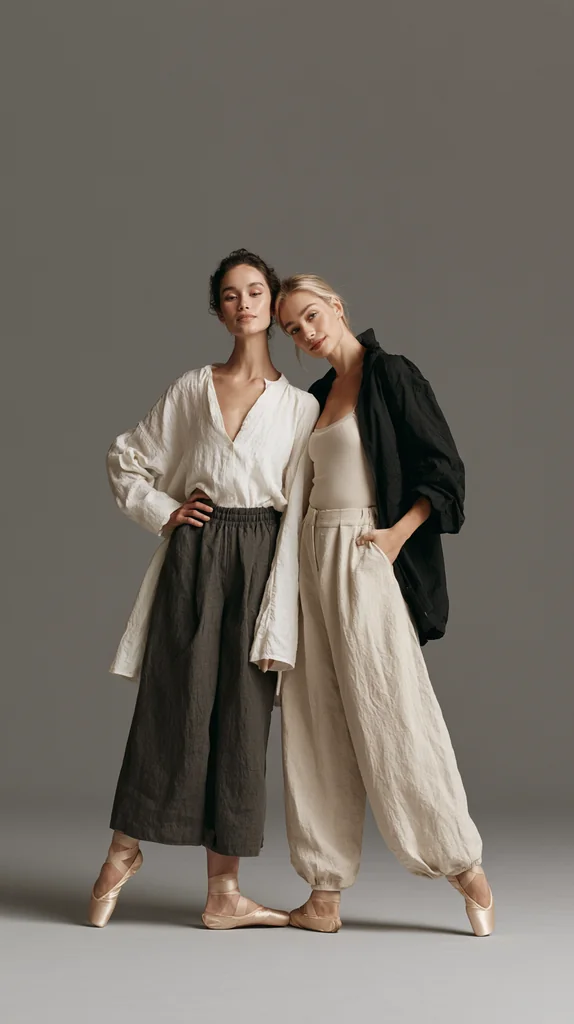
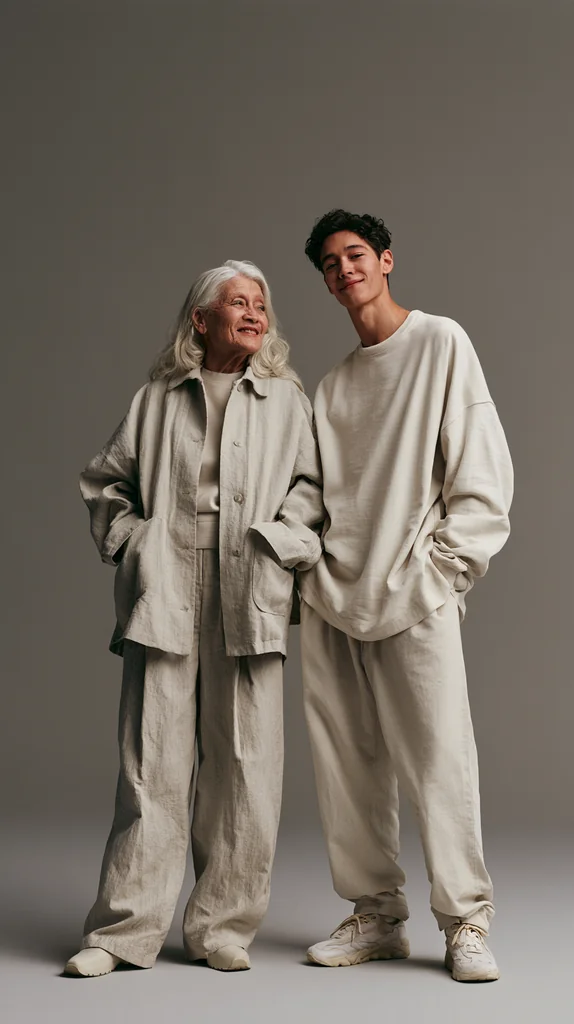
Standing Duo Campaign Two people standing side by side, head to toe, in a calm brand-campaign photo inside an empty warm gray studio with plenty of space above them — you tell us who the pair is.
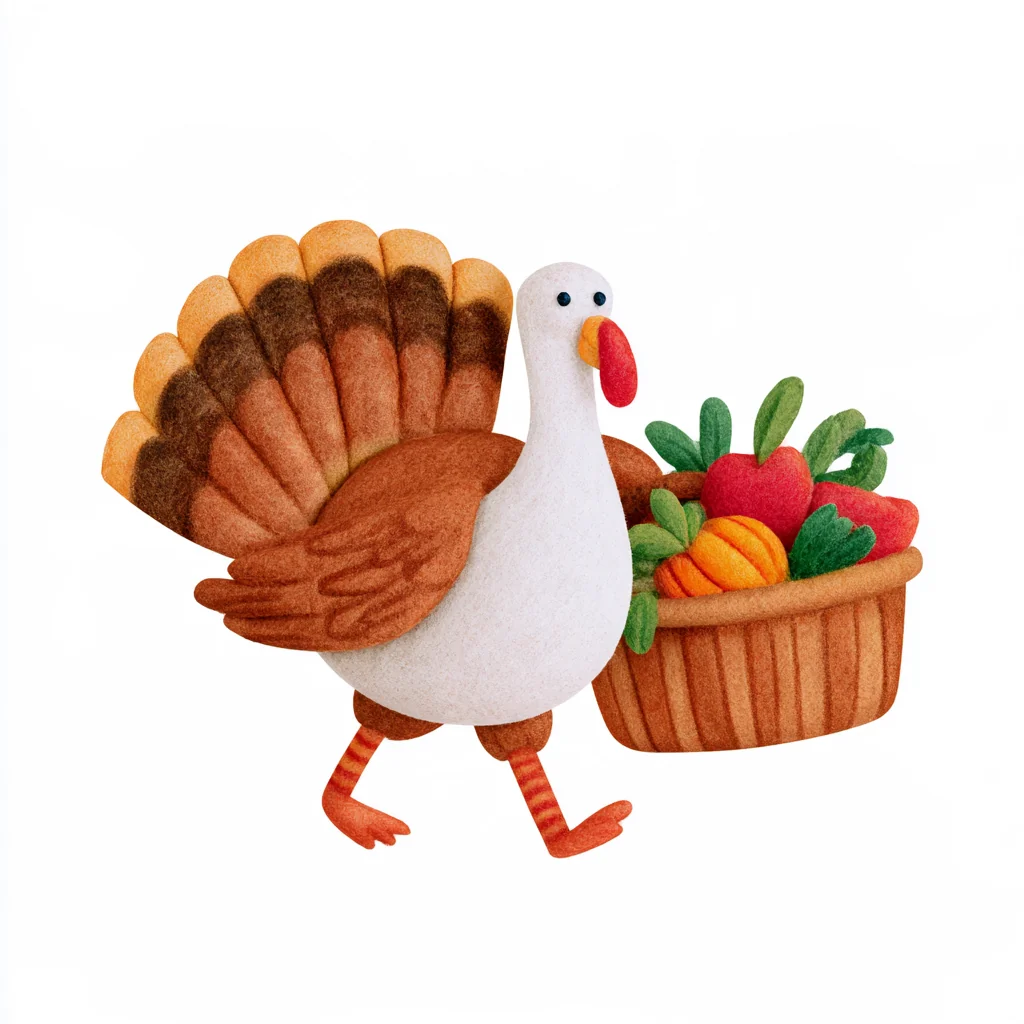
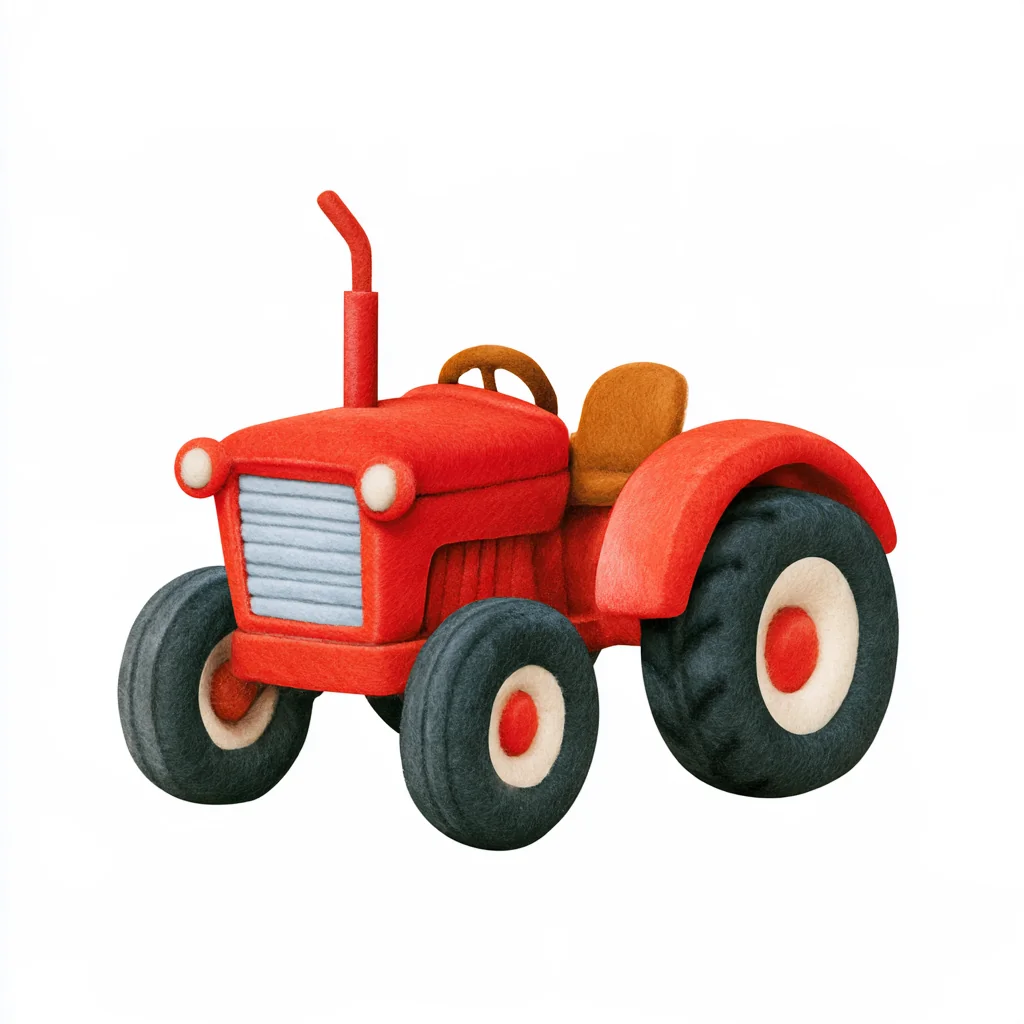
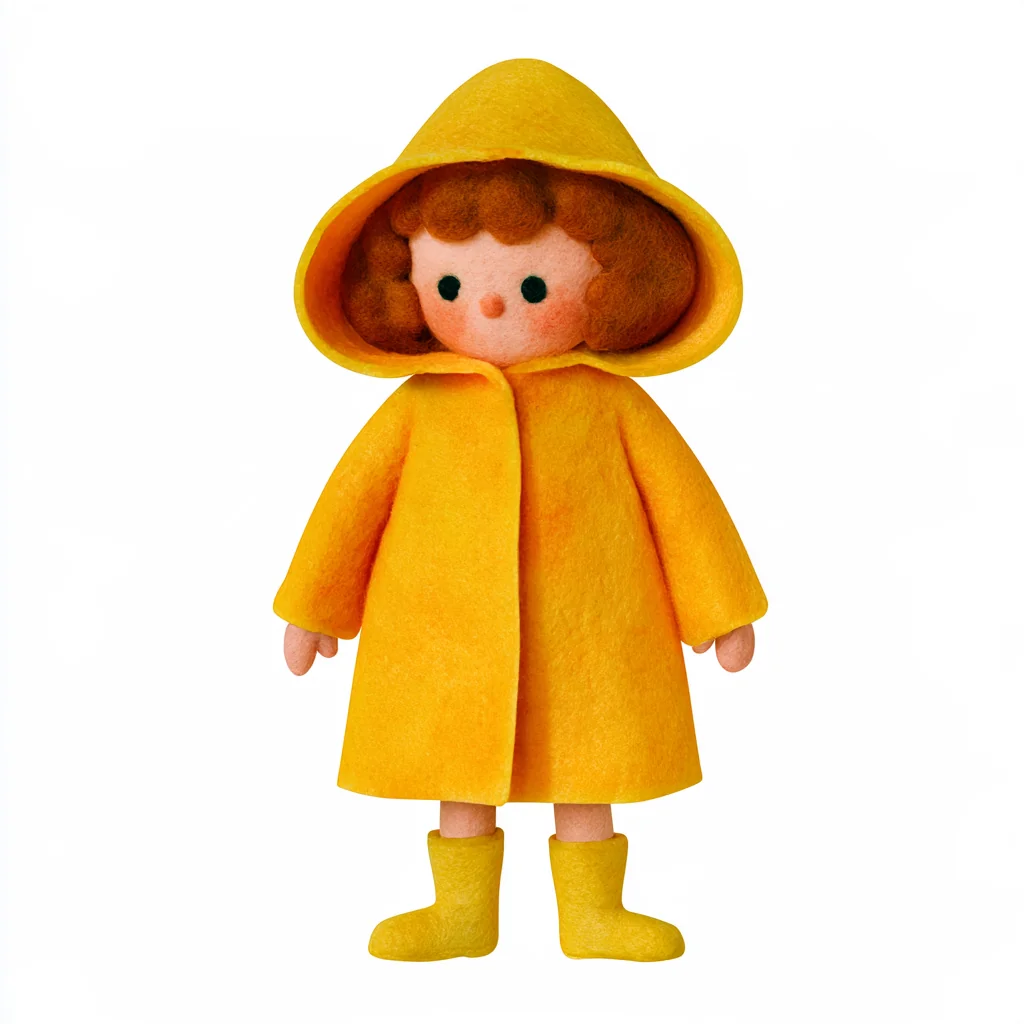
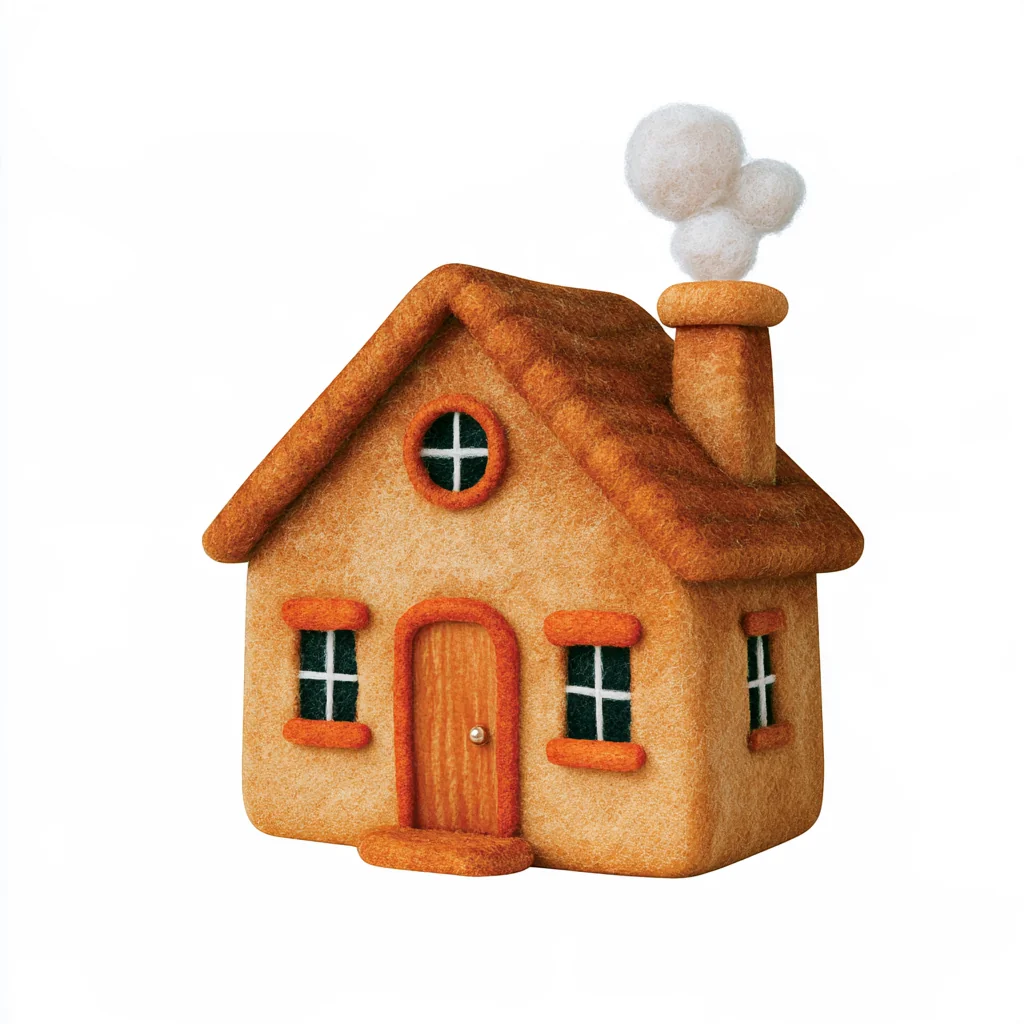
Felt Watercolor Critter A cute, chunky figure made of soft needle-felted wool tinted like watercolor, minimal and rounded, alone on white — you tell us the character or object and what it carries.


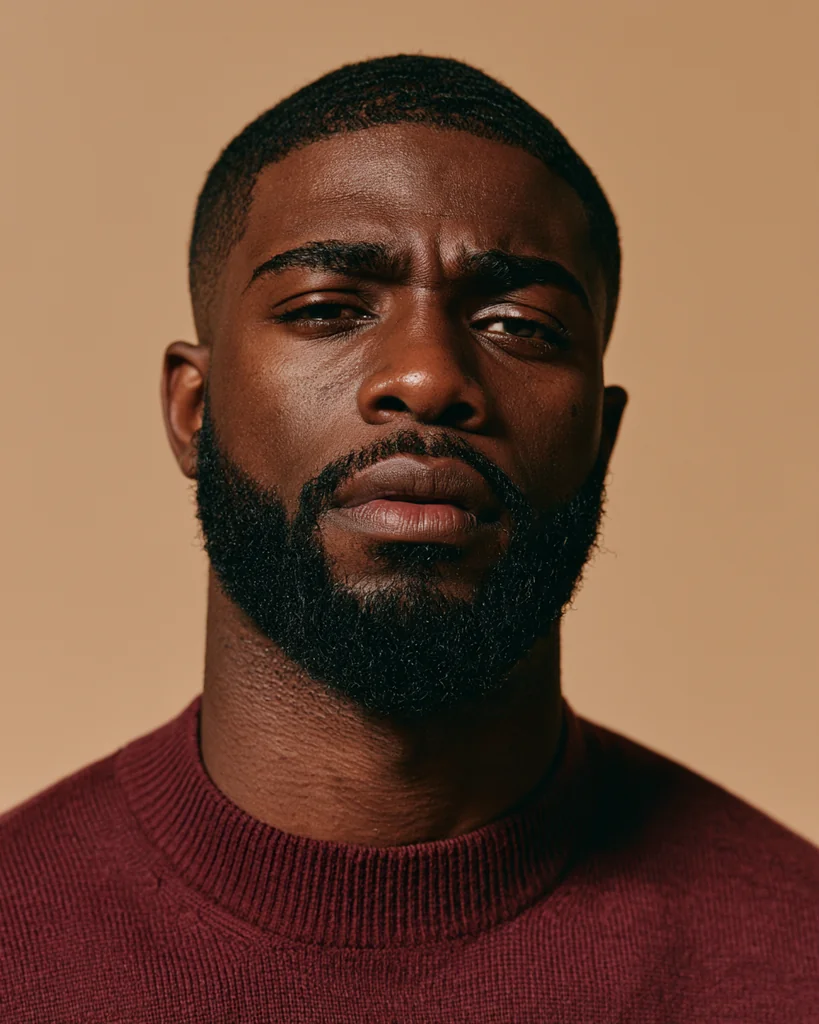
Film Portrait Expressions The same bearded man in a burgundy knit sweater, shot head-and-shoulders on warm 35mm film against a beige backdrop — you tell us the expression and build a whole emotion set.





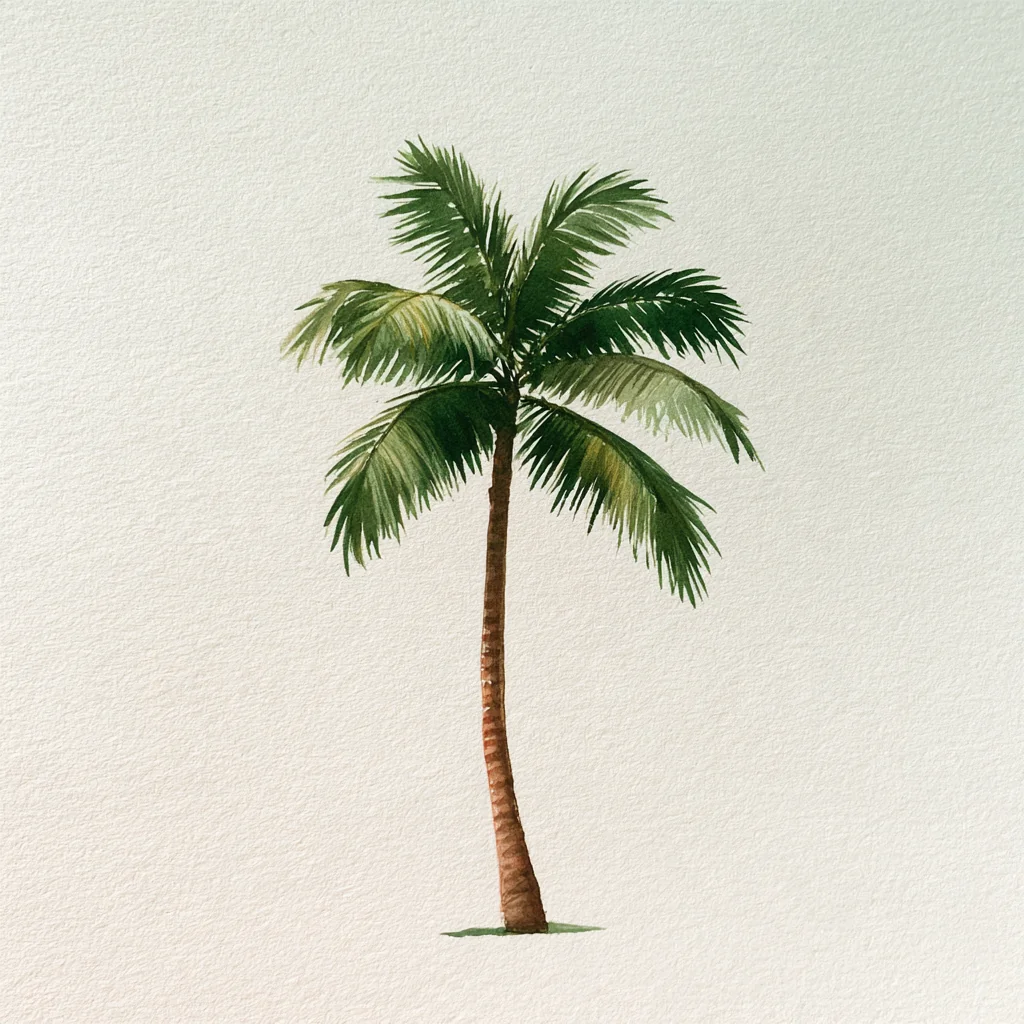
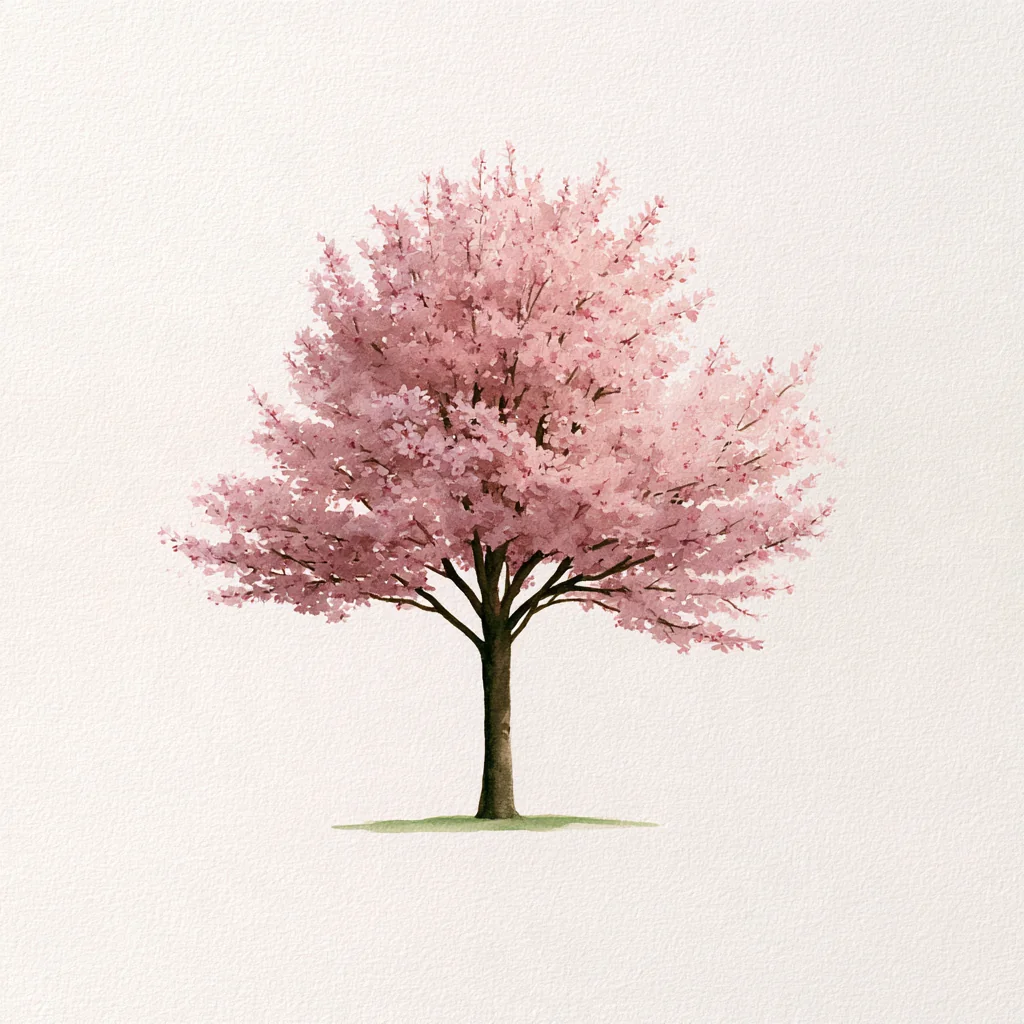
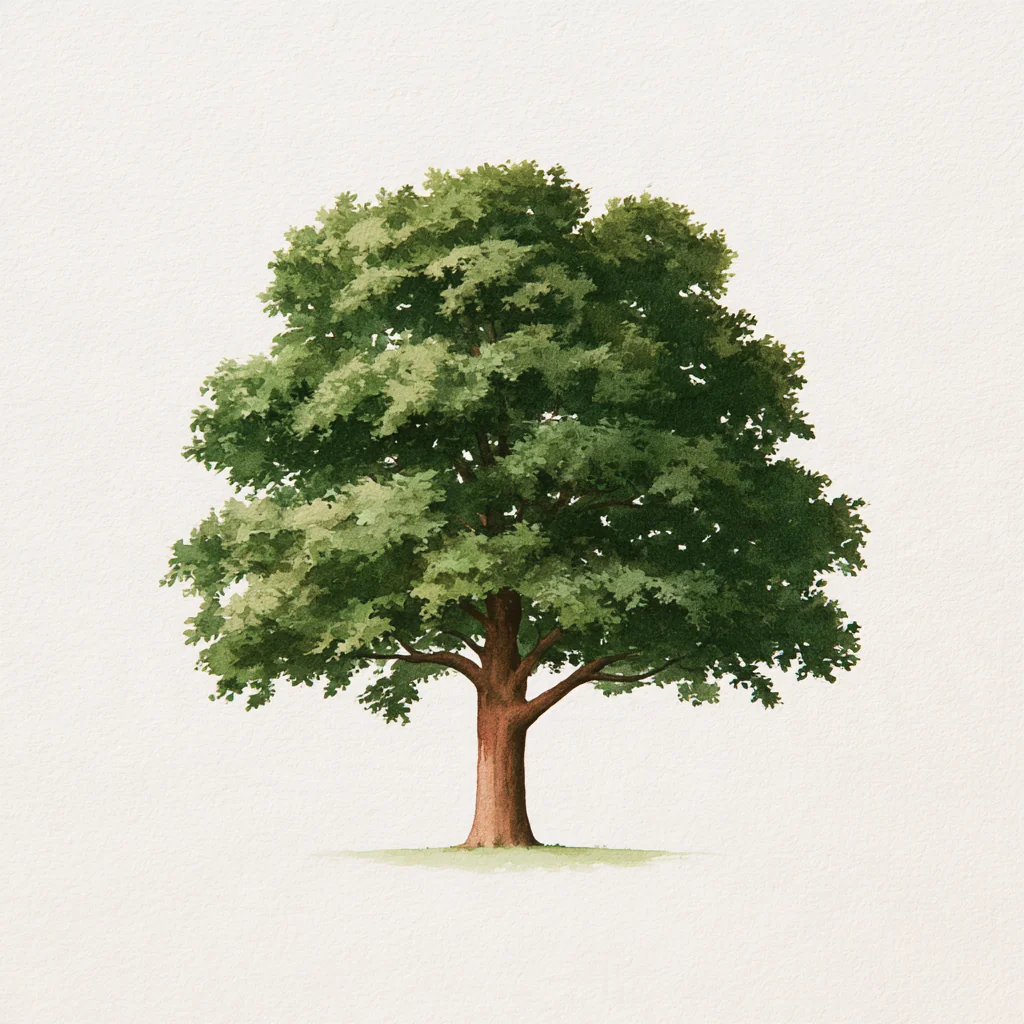
Simple Watercolor Plant One plant painted in simple, delicate watercolor washes, standing alone with a tiny green ground wash on textured off-white paper — you tell us the tree or plant, and a whole set matches.
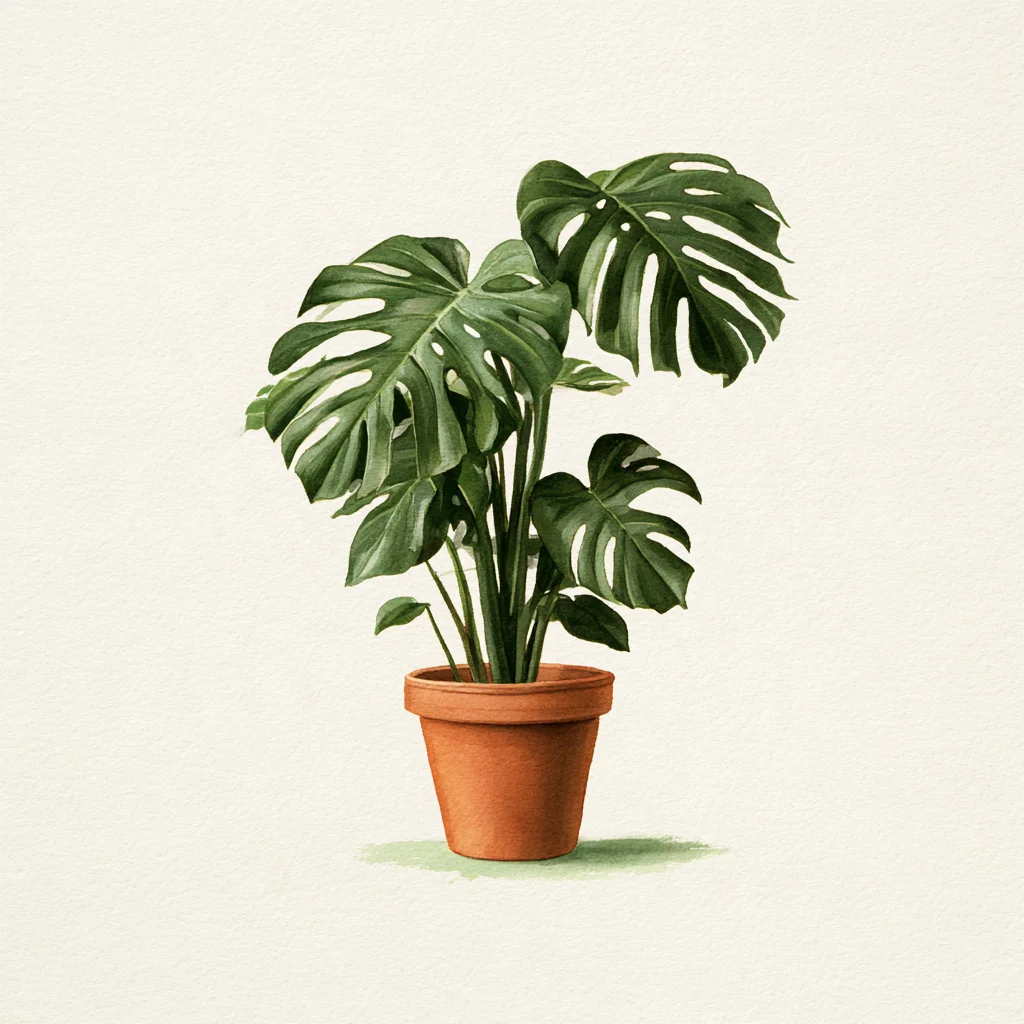
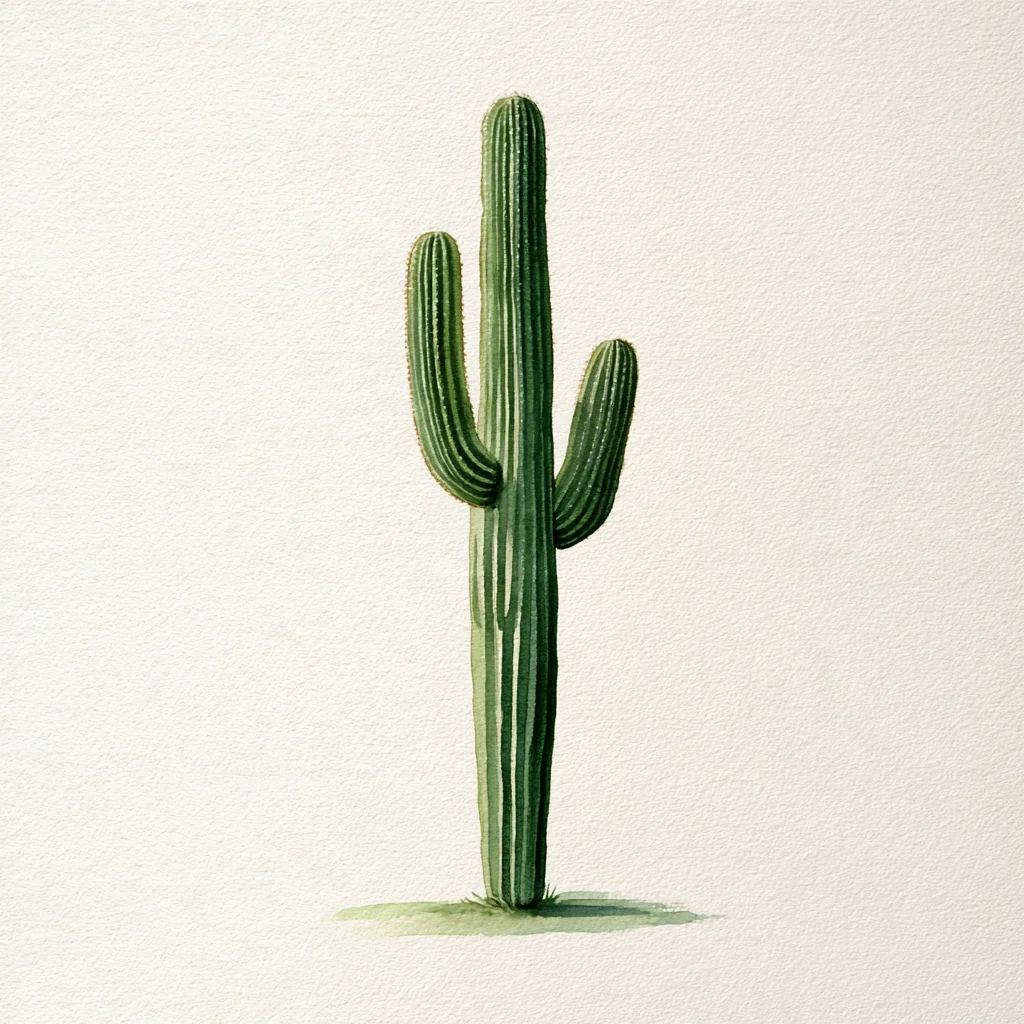
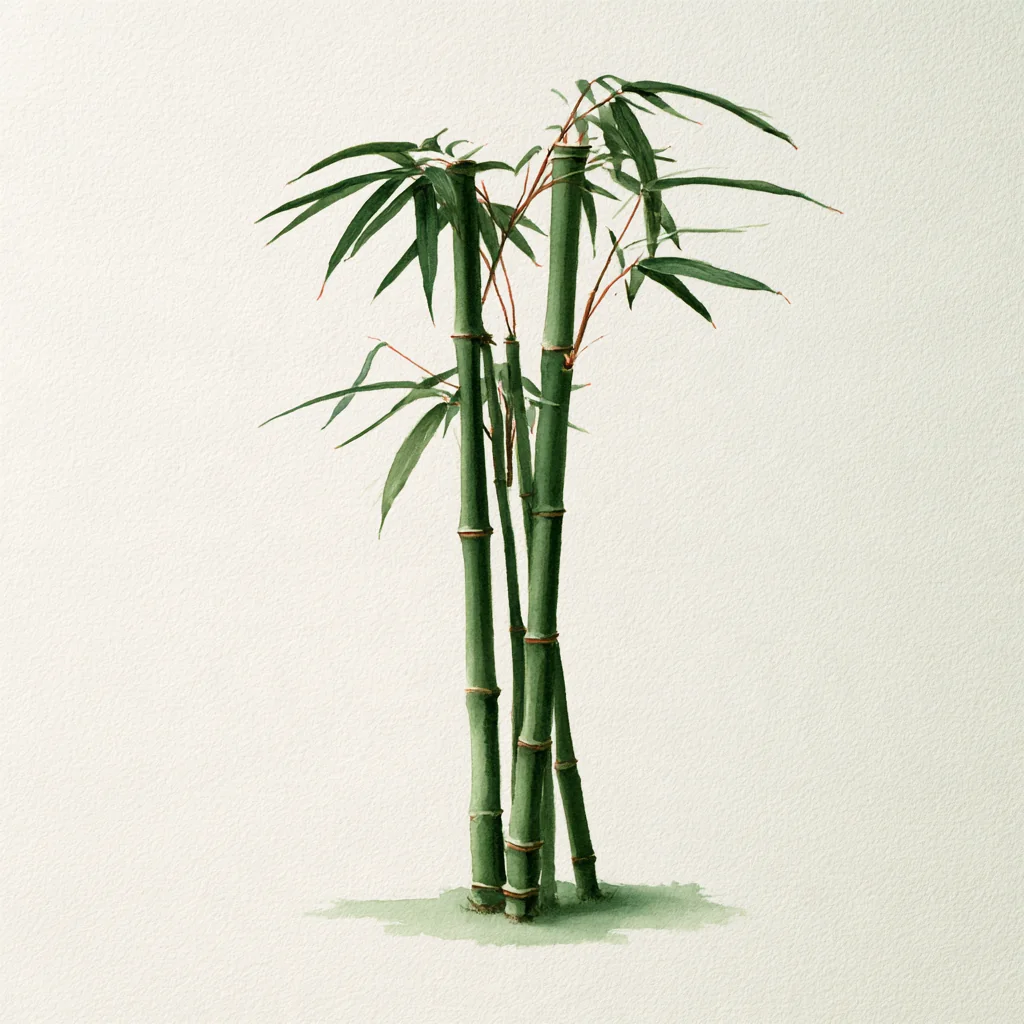
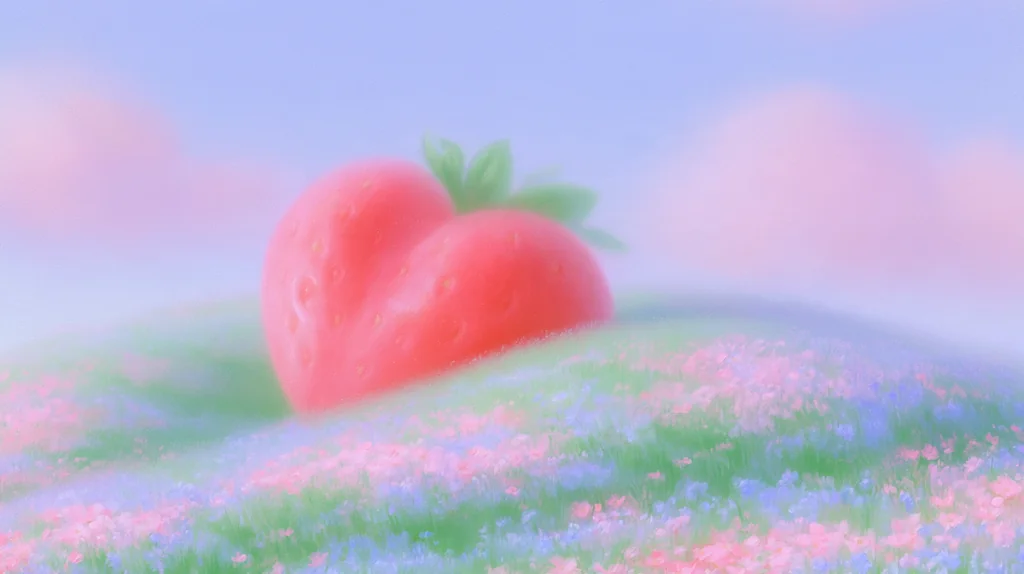
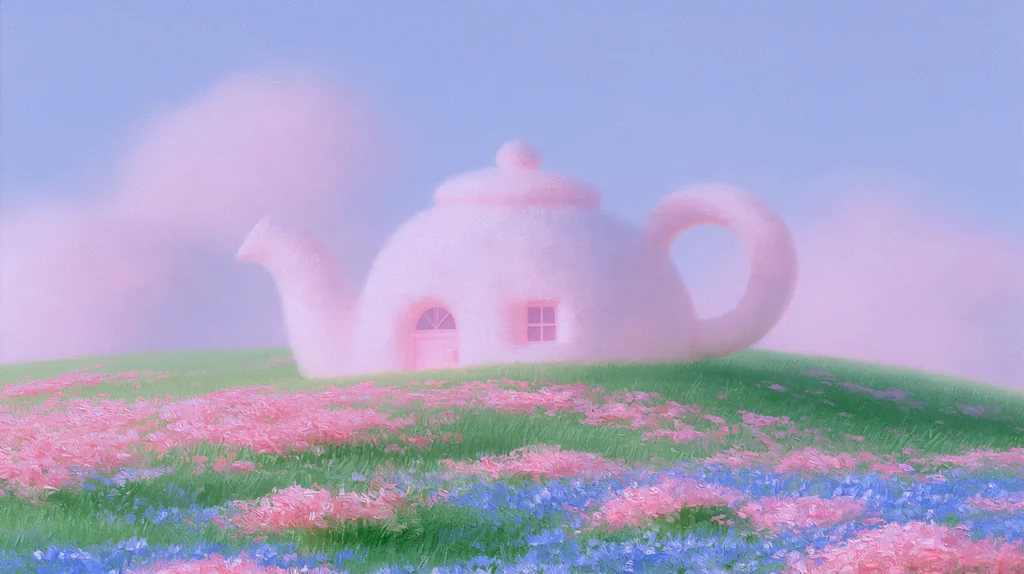
Pastel Meadow Dream A soft, hazy pastel painting of a lone subject resting on a gentle hill of pink and blue wildflowers under a lavender sky with cotton-candy clouds — you tell us what sits on the hill.




Circle logos for stock tickers, ETFs, and funds — ideal for watchlists, portfolio dashboards, and price tickers. Served from edge servers close to your visitors.
/stock/{symbol}.svg Apple
Apple/stock/apple.svg
 NVIDIA
/stock/nvidia.svg
 Tesla
Tesla/stock/tesla.svg
 Microsoft
/stock/microsoft.svg
 Amazon
/stock/amazon.svg
 Alphabet
/stock/alphabet.svg
 Meta
Meta/stock/meta-platforms.svg
 Netflix
/stock/netflix.svg
 Berkshire Hathaway
/stock/berkshire-hathaway.svg
 JPMorgan Chase
/stock/jpmorgan-chase.svg
 Visa
Visa/stock/visa.svg
 Mastercard
/stock/mastercard.svg
 Walmart
/stock/walmart.svg
 Coca-Cola
/stock/coca-cola.svg
 Disney
/stock/walt-disney.svg
 AMD
AMD/stock/advanced-micro-devices.svg
 TSMC
TSMC/stock/taiwan-semiconductor.svg
 Samsung
/stock/samsung.svg
 Toyota
/stock/toyota.svg
 FPT
FPT/stock/fpt-corporation.svg
 Vinamilk
/stock/vietnam-dairy-products.svg
 Hoa Phat
/stock/hoa-phat-group.svg
 Vietcombank
/stock/joint-stock-commercial-bank-for-foreign-trade-of-vietnam.svg
 Vingroup
/stock/vingroup-joint-stock-company.svg
 Dragon Capital
/stock/dragon-capital.svg
 VinaCapital
/stock/vinacapital-vietnam.svg
 Vanguard
/stock/vanguard.svg
 BlackRock
/stock/blackrock.svg
apple or dragon-capital.Circle logos for cryptocurrencies, addressed by ticker — ideal for wallets, exchange dashboards, and price tickers. Served from edge servers close to your visitors.
/crypto/{symbol}.svgbtc, eth, sol — the top ~500 coins by market cap are preloaded.SVG logos for thousands of tech and consumer brands, addressed by plain brand name — for integration pages, tech-stack lists, payment badges, and dashboards.
/brand-logo/{name}.svggoogle, nike, openai — uppercase requests are normalized automatically.vietcombank, momo, viettel, vinfast.image/svg+xml, cached at the edge for one year.The favicon of any website, addressed by hostname — for link previews, bookmark lists, referrer tables, and "connected apps" screens.
Example: /favicon/google_com.svg — hostname with dots replaced by underscores.
/favicon/{host_slug}.svg. replaced by _: google_com, vietcombank_com_vn. Any extension in the URL works; the response is the format on file (PNG, ICO, SVG…).Content-Type, cached at the edge for one day.SVG flags for every country, addressed by ISO code — rectangular by default, or circular with the -circle suffix to match the stock & crypto logos.
Example: /flags/vn.svg — lowercase ISO 3166-1 alpha-2 code; add -circle for the round version.
/flags/{code}.svg/flags/{code}-circle.svgvn, us, jp — regional flags (gb-eng, es-ct) and eu / un work too./flags/{code}-circle.svg serves the circular version.image/svg+xml, cached at the edge for one year.Preview images for stock-media assets, keyed by source site and asset id. The optional -{size} suffix resizes to that width.
Example: /shutterstock/2148156765-600.jpg — Shutterstock asset 2148156765 at width 600.
/{site}/{id}.jpg/{site}/{id}-{size}.jpg Shutterstock
/shutterstock/1232588239.jpg
 Freepik
/freepik/3064875.jpg
 Adobe Stock
/adobestock/1585015388.jpg
 Envato Elements
/envato/SSNP7B2.jpg
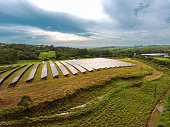 iStock
/istockphoto/2196019693.jpg
 123RF
123RF/123rf/323617074.jpg
 IconScout
/iconscout/13487097.jpg
 Designi
/designi/20cbadb2c811e565.jpg
shutterstockvshutterfreepikvfreepik
adobestockistockphotodepositphotosdreamstime
123rfalamyrawpixelenvato
vecteezyflaticoniconscoutpngtree
lovepikmotionarraystoryblockscreativefabrica
artgridartlist_footageepidemicsounddesigni
designbrbaixardesigncraftworkmockupcloud
mrmockupyellowimagesfootagecrateui8
pixedenuplabspixelbuddha
Renders an SVG image from arbitrary text — handy for placeholders, Open Graph fallbacks, and quick banners.
/bytext?text=<your text>&w=600&h=400&bg=cccccc&fg=333333&size=48| Parameter | Default | Description |
|---|---|---|
text | (required) | Text content. URL-encoded. Use %0A for line breaks. |
w | 600 | Width in pixels (1–4000). |
h | 400 | Height in pixels (1–4000). |
bg | cccccc | Background color — hex 3/6/8 chars, with or without #. |
fg | 333333 | Text color — hex. |
size | auto | Font size in px. Leave blank to auto-fit to the canvas. |
/bytext?text=Hello%20World
?text=Custom%20size&w=400&h=200&bg=222&fg=fff&size=56
?text=Line%201%0ALine%202%0ALine%203&bg=2a6df4&fg=fff
image/svg+xml — works with <img>, background-image, etc.system-ui — rendered with the viewer's system font.gimgs speaks the Model Context Protocol, so Claude, Cursor or any MCP client can use it as a tool. One endpoint hosts several servers — the credentials you send pick which one you get:
| Server | For | Credentials | What the agent can do |
|---|---|---|---|
Publicgimgs-cc0-images | Anyone | None | Search the CC0 image library and get hotlinkable URLs. Read-only. |
Designgimgs-design | Signed-in users | API key gk_… | Edit the Photosoft project you have open — live, together with you — plus everything the public server does. |
Read-only and free, no key needed. Every result carries ready-to-hotlink CDN URLs, so an agent can search images and drop them straight into whatever it is building.
/mcpsearch_cc0_images — keyword search over the CC0 library, 24 results per page, with sort (curated / recent / popular) and an optional category filter.get_cc0_image — one image by id, with every size variant (widths 100–1024) and its detail-page URL.Claude Code:
claude mcp add --transport http gimgs https://gimgs.net/mcpOr any client that speaks Streamable HTTP, via JSON config:
{
  "mcpServers": {
    "gimgs": { "type": "http", "url": "https://gimgs.net/mcp" }
  }
}image_url (width 1024), thumb_url (350) and a sizes map.Open a project in Photosoft, open Agents in the right dock and press Enable agents. From then on an agent connected with your API key sees that project and edits it with you: every change it makes lands as one History step, labelled with the agent's name, that you undo like your own.
/mcp/mcp/gk_YOUR_KEYThe first form takes the key in a header (Authorization: Bearer gk_…); the second puts it in the URL, for clients that cannot send custom headers. Treat that URL like a password.
Create one under Profile → API. Any key opens the design server — there are no scopes yet, so a key you hand to an agent can edit every project you enable Agents on. Revoke it there to cut the agent off.
design_sessions — the projects you have open with Agents enabled: id, name, canvas size, rev, and which agents are listening.design_get — the document as structure: every layer with id, type, box, visibility, text and colours, plus the selection and the current rev. No pixels.design_preview — a JPEG or PNG render of the canvas or of one layer, so the agent can look at its own work.design_apply — a batch of ops (add_text, add_image, add_shape, add_path, add_gradient, add_svg, add_texture, brush_path, path_boolean, offset_path, stroke_to_path, transform, rasterize, flip, measure_text, find_fonts, update_layer, delete_layer, reorder, select, mask, filter, resize_canvas, style, group, ungroup) applied as one undo step; takes label, agent_name and base_rev.design_events — long-poll of what happened since a sequence number: your edits, undo / redo, selection, Agents-chat messages, other agents' changes, pause / resume.design_say — a line into the Agents chat of your editor.design_upload_url — a presigned upload URL for an image on the agent's own machine; the agent PUTs the file, then places it with add_image.design_schema — the exact fields and limits of every op.add_image.Claude Code (key in a header):
claude mcp add --transport http gimgs-design https://gimgs.net/mcp --header "Authorization: Bearer gk_YOUR_KEY"claude.ai on the web or phone, and other clients without custom headers: add a custom connector with the key in the URL.
https://gimgs.net/mcp/gk_YOUR_KEYJSON config:
{
  "mcpServers": {
    "gimgs-design": {
      "type": "http",
      "url": "https://gimgs.net/mcp",
      "headers": { "Authorization": "Bearer gk_YOUR_KEY" }
    }
  }
}
Then just ask — “make the headline bigger”, “add the Stripe logo top left” — the agent finds the open project itself.
design_apply is one History step named “[agent] label”; Ctrl+Z undoes the whole batch.locked / busy) — the agent retries later.base_rev, layers you changed in the meantime come back as stale instead of being overwritten.design_events — the panel says “listening” when one is. Otherwise tell the agent, in its own chat, to listen.isError and { error, message }. Design codes: no_session, browser_offline, paused, locked, busy, stale, tab_not_active, timeout.Found a symbol that only shows a placeholder? Submit the missing icon here — contributions are reviewed before going live, usually within a day.